
Single-family home listings sell on curb appeal, yard size, and neighborhood feel, and buyers want to see each before they request a showing. The eight video ideas, shot list, and copy-paste captions on this page are built specifically for this property type.
Best real estate video ideas for single-family home listings
The eight most useful video types for prompting showing requests from single-family home buyers cover the exterior approach, the backyard reveal, the family layout walk, the neighborhood drive, the just-listed teaser, the drone flyover, the voiceover tour, and lifestyle B-roll. The shot list in the next section covers every camera position.
1. Curb-appeal approach
Film a slow push from the street corner toward the front door. Show the driveway width, the landscaping, and the facade so the buyer pictures pulling up for the first time. Film it twice: once straight on and once from the corner, so you have two cut options for the edit.
2. Backyard reveal
Walk through the back door and pan slowly across the yard. Cover the lawn, fence line, patio or deck, and any pool or outbuilding. For most single-family homes the yard is the deciding feature, so give it 15 to 20 seconds of dedicated footage and film it at golden hour if your schedule allows.
3. Family layout walk
Film the path a family takes every morning: from the kitchen through the dining area into the living room. A single continuous clip through this sequence answers “does this layout work for us?” before the buyer steps inside. Start at the kitchen island and walk slowly, holding the phone at chest height.
4. Neighborhood drive
Record a 30-second drive through the block, past the nearest park, or down the main commercial street. Buyers search at the neighborhood level before narrowing to a specific listing, and this clip answers that question ahead of the showing request. Have a passenger handle the camera, or run a hands-free windshield mount so your attention stays on the road.
5. Just-listed teaser
Cut six to eight of your strongest shots into a 15-to-20-second teaser with a price overlay and your contact info. Post it the day the listing goes live. Short teasers are easier to share because they read as news, and news drives profile visits that convert into showing requests.
6. Drone lot and street flyover
A single aerial pass showing the lot size, the roof, the backyard, and the surrounding block adds context that ground-level shots cannot. Drone clips pay off most on corner lots, large yards, and homes near parks or open water. Check local airspace rules and commercial licensing requirements before flying.
7. Voiceover walkthrough tour
Record a full 60-to-90-second walkthrough with a narration that names features as you move through the home: “Four beds, three baths, the kitchen was updated in 2024, and this yard measures 8,500 square feet.” Record the audio separately in a quiet room and sync it in editing so road noise and echo stay out. Spoken narration gives buyers context for each feature as they move through the video.
8. Lifestyle B-roll
Capture detail shots that signal how the home is lived in: coffee on the back porch, bikes in the garage, morning light through the kitchen window. These clips layer into a teaser or social post and add emotional pull alongside the property facts. Keep each detail clip to three to five seconds so they cut quickly in the edit.
For the broader real estate video strategy that connects these ideas, the pillar guide covers platform cadence and distribution. The real estate video marketing guide maps each clip type to buyer intent and platform so you know which video to post and when.
Single-family home shot list: what to capture at every listing
Capture at least twelve shots per listing: the street approach, front door, each main room, primary suite, yard, garage, and a detail shot per standout feature. That covers both a 15-second teaser and a 90-second full tour from a single day of filming.
Print this list and mark each item as you go. The order follows a natural buyer walk from the curb into the home.
Exterior:
Yard and outdoor space:
Interior, main level:
Bedrooms and secondary spaces (upper level if multi-story; main floor if single-story):
Detail shots:
Closing shot:
Single-family home shot list
- **Exterior:** Street-level approach from both directions
- **Exterior:** Driveway and garage exterior
- **Exterior:** Front door close-up, including handle, hardware, or architectural detail
- **Exterior:** Rear facade and back door
- **Yard and outdoor space:** Full backyard pan, one slow pass left to right
- **Yard and outdoor space:** Patio, deck, or pool area
- **Yard and outdoor space:** Side yard if usable
- **Yard and outdoor space:** Any outbuilding, shed, detached garage, or workshop
- **Interior, main level:** Entry or foyer reveal from the doorway
- **Interior, main level:** Kitchen wide shot, counter detail, and island or breakfast bar close-up
- **Interior, main level:** Dining room, wide angle
- **Interior, main level:** Living room, wide shot from the corner that shows the most space
- **Interior, main level:** Fireplace, built-in shelves, or architectural standout
- **Bedrooms and secondary spaces:** Primary suite doorway reveal, walk-in closet, and en-suite bathroom
- **Bedrooms and secondary spaces:** One secondary bedroom to show scale
- **Bedrooms and secondary spaces:** Loft, bonus room, home office, or flex room if applicable
- **Detail shots:** Morning light through the best window
- **Detail shots:** Upgraded appliance brand or countertop material
- **Detail shots:** Flooring, hardware, or trim the listing photos miss
- **Closing shot:** Front exterior again from a slightly different angle for the outro
The real estate walkthrough video guide covers camera movement for each room type, including how to film tight hallways and low-ceilinged basements smoothly without a gimbal.
The fastest way to make a single-family home listing video
Upload 12 to 20 listing photos to PropFade, confirm the address and price, and export. The platform animates each photo, adds voiceover and captions, and renders a 9:16, 1:1, and 16:9 video in about two minutes.
This path works for any listing where filming on site is not possible: tight showing schedules, vacant homes, out-of-state properties, and multiple listings that need a repeatable process. The photos still need to be sharp and well-lit, because the animation builds on what the photo captures. Submitting the same photos already on the MLS keeps quality consistent.
Use a full set of 12 to 20 sharp photos whenever possible. Start with the exterior, include the main living spaces and bedrooms, and close with the backyard or strongest lifestyle detail so the video has enough visual variety.
The three exported formats cover every distribution channel from a single upload. The 9:16 vertical cut goes to Reels, TikTok, and YouTube Shorts. The 1:1 square cut fits feed posts and email. The 16:9 horizontal cut embeds in your listing page or MLS portal. Most MLS systems require unbranded media, meaning no visible price overlay, agent name, or contact details in the submitted file. Check your local board’s media rules before uploading, and use a clean version for that channel.
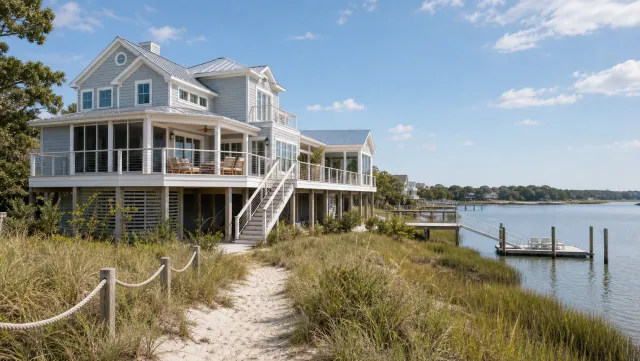
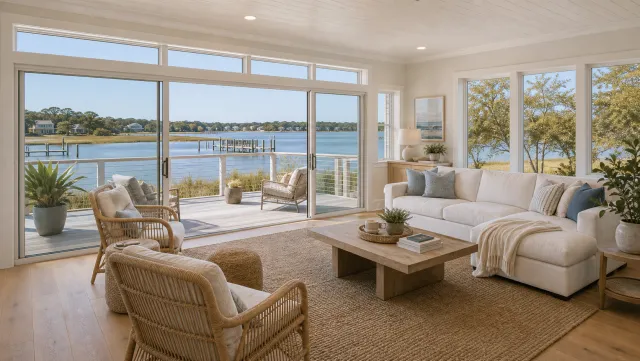
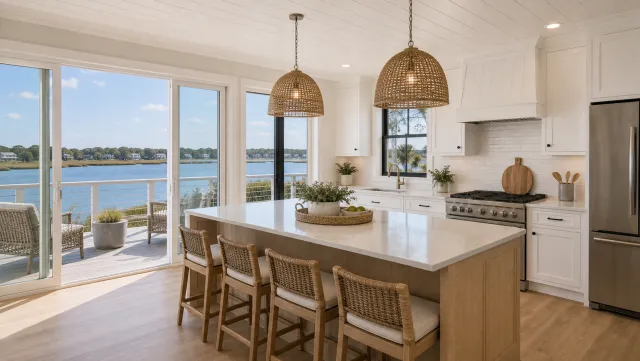
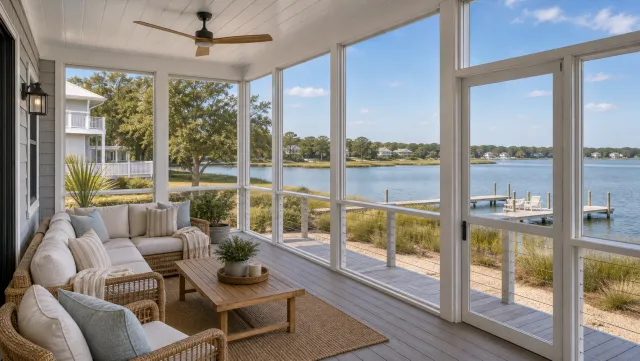
5 listing photos
1 finished video
An ai real estate video editor handles the repetitive parts of the edit: adding motion, generating voiceover and captions, and resizing for each platform. Browse real estate video examples to see finished outputs across property types before you run your own photos through.
Make a single-family home listing video
Upload your photos and get a finished video back in about two minutes.
Captions and hooks for single-family home listing videos (copy and paste)
The strongest single-family home video hooks name the yard, the neighborhood, or a specific lifestyle detail in the first line. Keep each caption under 100 words, open with the hook, and end with a clear next step.
Swap the brackets for your listing details before posting.
Just-listed hooks (for 15-to-20-second teasers):
- “Just listed: [beds] beds, [baths] baths, and [yard size] sqft of backyard in [city]. Tap to book a showing.”
- “Corner lot. [Price]. [Neighborhood]. DM for a private tour.”
- “This one has the yard everyone has been looking for. [City]. Link in bio.”
- “New to the market in [neighborhood]: [beds]bd / [baths]ba / [sqft]sqft. Open house this [day].”
- “Just listed. [Beds]-bed, [baths]-bath in [city]. Video walkthrough below.”
Full tour captions (for 60-to-90-second walkthroughs):
- “[Beds] bed, [baths] bath, [sqft] sqft in [neighborhood]. The layout works for families, remote workers, and anyone who wants outdoor space they will actually use. Asking [price]. Book at [link].”
- “The kitchen was updated in [year], the yard backs to [park or open space], and the neighborhood is [distance] from [landmark]. Full tour and photos at the link.”
- “[Price] in [city]. Four beds, two-car garage, and a backyard that makes the neighborhood worth the search. Comment ‘tour’ and I will send the listing.”
Lifestyle B-roll hooks (for 5-to-10-second detail clips):
- “Morning coffee hits different when you have a yard like this.”
- “The yard sold it. [Price]. [Neighborhood].”
- “This kitchen. [Price]. [City].”
- “That light. [Address or neighborhood]. Ask me for the listing.”
Neighborhood drive captions:
- “[Neighborhood name] is the one buyers move for. Here is why.”
- “Three blocks from [park or school]. [Price]. Let me know if you want the full listing.”
Post the vertical cut on Reels and TikTok the day the listing goes live and pair each caption with five to ten local hashtags. For a full posting schedule that uses all three export formats, the real estate videos for social media guide maps each format to a platform and a day. Use real estate video templates as visual references for keeping your intro, fonts, and outro consistent across every listing so your profile grid reads as one brand.
Single-family home listing video FAQ
These are the most common questions agents ask about single-family home listing videos, with answers specific to this property type.
Frequently asked questions
Start with a 60-to-90-second walkthrough tour and a 15-to-20-second just-listed teaser. Add a backyard reveal if the yard is a selling feature, and a drone clip if the lot size or surrounding location is notable. Those three videos cover the major platforms and buyer questions.
Post the vertical teaser on Reels and TikTok the day the listing goes live, share the full walkthrough on YouTube and your listing page, and embed the square cut in your buyer email. Run the teaser as a paid social ad targeting buyers in the zip code to drive showing requests.
Film in 9:16 vertical first, since Reels, TikTok, and YouTube Shorts deliver the most organic reach for listing content. Export a 1:1 square version for feed posts and email, and a 16:9 horizontal version for your listing page and YouTube. PropFade exports all three from a single upload.
Keep social teasers between 15 and 30 seconds. A full walkthrough tour works best at 60 to 90 seconds. Anything over two minutes loses most viewers before the backyard reveal, which is typically the strongest selling moment for a single-family home.
A drone adds clear value for large lots, corner properties, homes near parks or water, and any listing where the surrounding block is part of the pitch. For a standard suburban single-family home, a phone-shot walkthrough and backyard reveal cover the key buyer questions without one.
A real estate video maker automates exports across all three formats from one project, so each single-family listing can produce a vertical, square, and landscape cut without separate manual exports.