
PropFade is an AI real estate video editor that turns listing photos into a finished, publish-ready video. Upload 12 to 20 photos and export a portrait, square, and landscape cut in about 2 minutes. The AI handles the animation, voiceover, captions, and rendering.
Turn listing photos into a video with AI
The workflow converts listing photos into a listing video in three steps: upload photos, confirm listing facts, and export. The AI animates each photo, drafts a voiceover from the listing facts, and renders three format exports in about 2 minutes.
Step 1. Upload your listing photos.
Select 12 to 20 photos from any MLS export or camera roll. The tool accepts common image formats and works best when the set opens on the exterior, moves through the kitchen, living space, primary suite, and standout feature, then closes on a second exterior shot.
Step 2. Confirm the listing facts.
Confirm the key details: price, bedroom count, bathroom count, address, and one standout feature. The AI uses those facts to draft the on-screen captions and the voiceover script before the render begins.
Step 3. Export three formats in one run.
The editor renders a 9:16 portrait cut for Reels, TikTok, and Shorts; a 1:1 square cut for the main feed and email; and a 16:9 landscape cut for the listing page and YouTube. All three arrive from the same export.
This photo-to-video workflow fits neatly alongside the rest of the AI listing prep session. The guide to ai real estate photo editing covers sharpening and enhancing photos before upload, and the ai for real estate agents overview maps the full set of tools available in a single dashboard.
Listing video formats: portrait, square, and landscape
One photo-to-video project outputs all three listing video formats from a single photo set. The 9:16 portrait cut fits mobile feeds, the 1:1 square covers the grid and email, and the 16:9 landscape plays on listing pages and YouTube.
Portrait 9:16 (Reels, TikTok, YouTube Shorts).
The vertical cut fills a phone screen edge to edge, which is where most property discovery now happens. Captions are sized for mobile legibility, and the voiceover pacing matches the shorter attention window of the short-form feed. This is the cut most agents post first.
Square 1:1 (feed posts and email).
The square cut works across the main Instagram grid, Facebook, and property email campaigns. It is the most versatile format for static placements where a vertical cut would be cropped or letterboxed.
Landscape 16:9 (listing pages and YouTube).
The landscape cut anchors the property detail page and plays without bars on YouTube or in a web embed. It is the format buyers expect when browsing a listing website.
AI voiceover and talking avatar.
PropFade adds a 30 to 60 second voiceover from the listing facts you entered. The video can also include captions and a talking-avatar presenter, giving the listing an on-camera presence without booking a camera crew.
For listings where photos were staged digitally before upload, ai staging for real estate covers the staging workflow in detail. The staged images animate through the same video workflow as unedited originals.
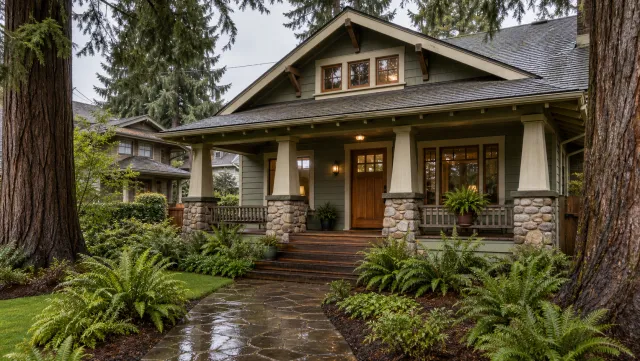
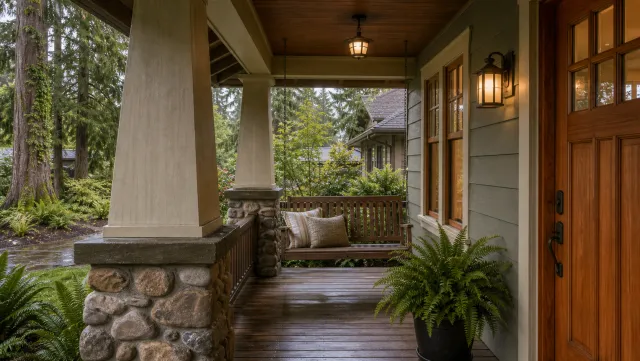
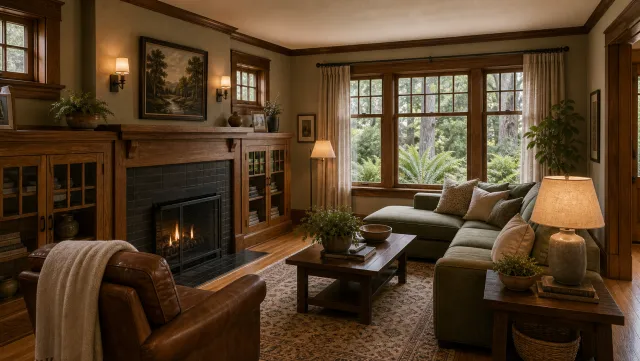
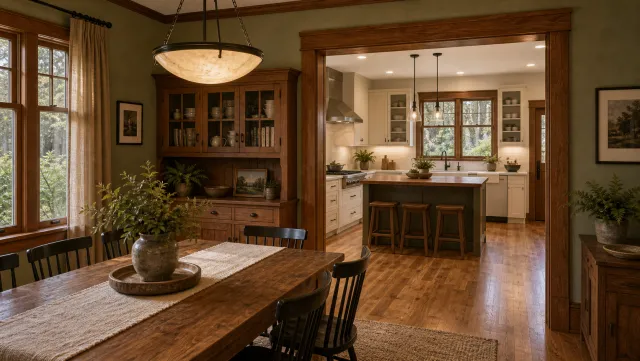
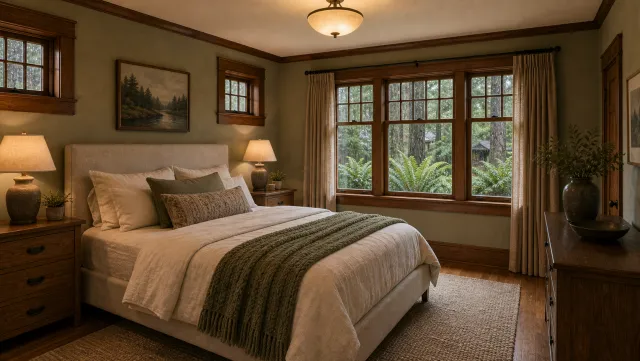
5 listing photos
1 finished video
AI video editor vs. manual video editing: speed, cost, and quality
An AI real estate video editor produces three publish-ready formats in about 2 minutes. A manual edit of one format typically takes 2 to 4 hours including filming time. The table below compares the two approaches across the dimensions that matter most to agents.
| Manual video editing | AI photo-to-video editor | |
|---|---|---|
| Filming required | Yes | No |
| Time to first export | 2 to 4 hours or more | About 2 minutes |
| Formats per project | One, re-render for each additional | Three formats in one run |
| Per-listing cost | Starting around $75 to $150 (freelance) | Subscription, per project |
| Multiple listings | Time multiplied by listing count | Same 2-minute render per listing |
| Voiceover | Record separately or hire voice talent | AI-generated from listing facts |
| Walkthrough footage | Full real-motion video | Animated photo motion (Ken Burns) |
Speed.
A manual production workflow runs: travel to the property and film (30 to 60 minutes), import and sync the clips (15 to 20 minutes), cut to the beat and color grade (60 to 90 minutes), add captions and music (20 minutes), then export three formats separately (15 minutes). The fastest solo editors finish in under two hours; most take longer. A 2-minute AI render applies to every listing at the same speed, so ten listings processed one at a time take about 20 minutes of render time instead of a week.
Cost.
Freelance real estate video editors charge starting around $75 to $150 per listing for a basic cut (check current pricing, as rates vary by market and scope). Production companies offering drone footage and walkthrough video start higher. Subscription video tools spread the cost across your listing volume rather than billing per shoot.
Quality.
Manual walkthrough footage captures real movement through a property. Photo-animation tools create a cinematic pan and slow-zoom effect on each image, which performs well on mobile feeds and covers the practical needs of most listings. For flagship properties where a full walkthrough video adds to the perceived value, the two approaches work together: use AI for the social and email cuts, and film the walkthrough separately for the listing-page hero.
Agents who complete ai real estate photo editing before upload get sharper animation output, because the AI has higher-contrast, better-composed source material to work from.
Listing video examples by property type
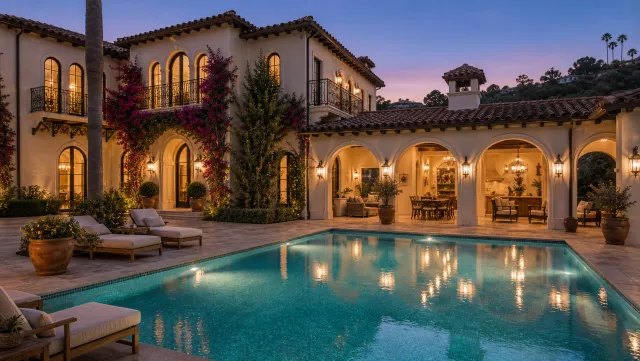
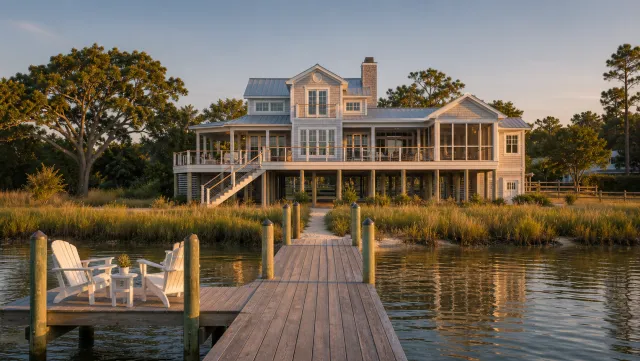
Examples should show finished output across property types so you can evaluate the render quality before uploading your own photos. Compare residential, luxury, and commercial listings by motion pace, caption density, and how clearly each format preserves the property details.
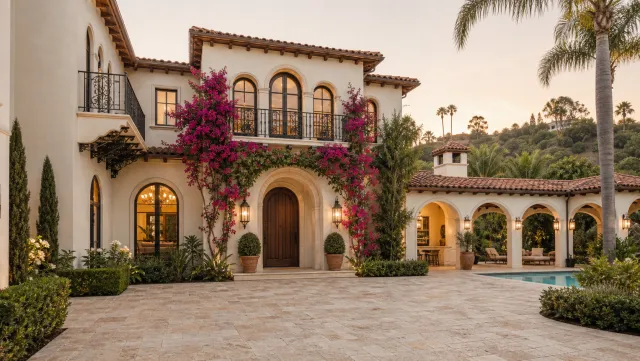

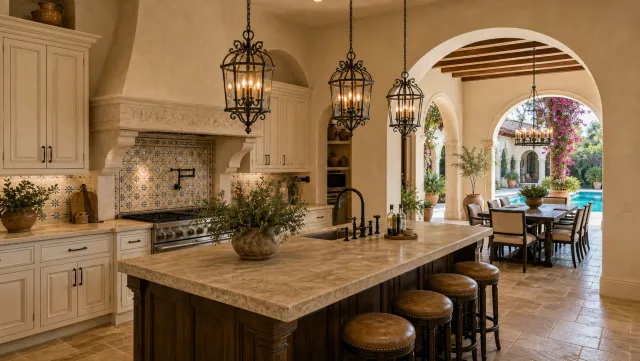

5 listing photos
1 finished video
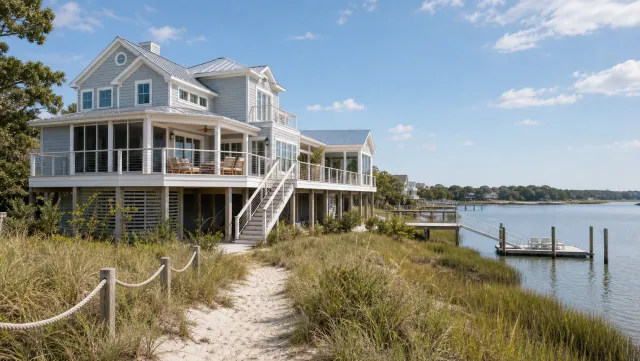
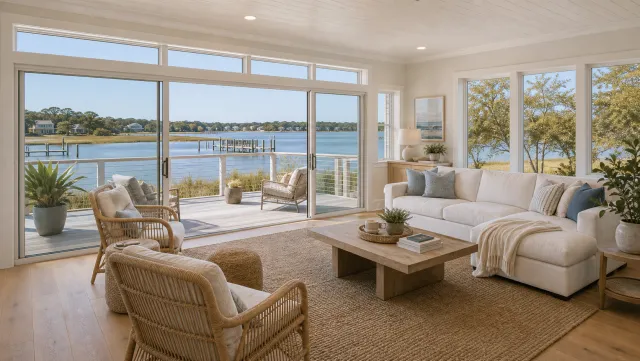
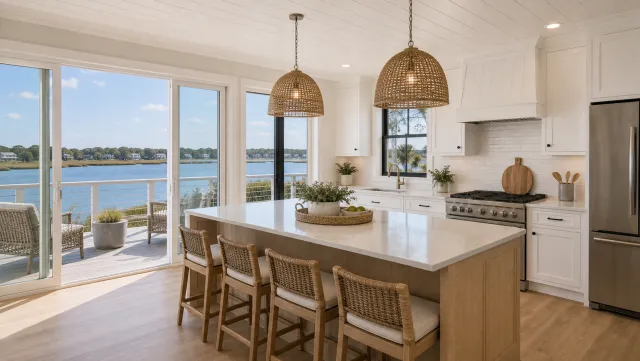
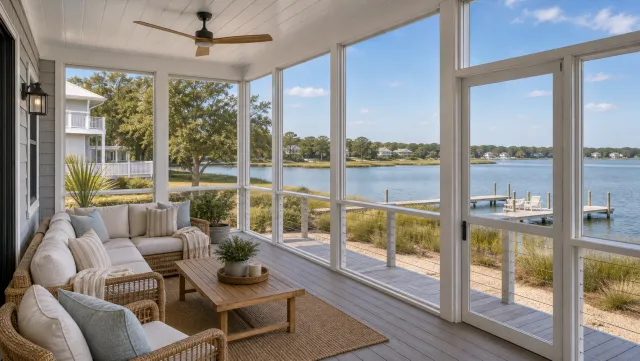
5 listing photos
1 finished video
Review examples by property type: residential, condo, commercial, and land. Look for clean caption placement, readable address and price overlays, and a motion pace that lets buyers understand the room before the next photo appears.
For finished output examples across a wider range of property sizes and styles, the real estate video hub shows listing videos across multiple markets. The real estate video templates library covers filming-based projects for agents who shoot on-site and want a consistent look across both formats.
Turn photos into a listing video with PropFade
Upload your listing photos, confirm the listing facts, and export three formats in about 2 minutes. PropFade handles the animation, voiceover, captions, and rendering so the finished video is ready to post.
Create your AI listing video
Upload your photos and get a finished video back in about two minutes.
Frequently asked questions
PropFade is purpose-built for listing videos: it takes property photos as input, animates each with a Ken Burns pan or slow zoom, adds AI voiceover and on-screen captions, and exports three formats (9:16, 1:1, 16:9) in about 2 minutes. General-purpose video editors handle broader video projects, while a photo-to-listing-video workflow starts from property photos and listing facts.
Yes. An AI photo-to-video editor takes 12 to 20 listing photos and renders a finished video with animated motion, AI voiceover, and captions in about 2 minutes. The output includes a 9:16 portrait cut for Reels and TikTok, a 1:1 square cut for the feed and email, and a 16:9 landscape cut for YouTube and the listing page, all from one project.
Several general video tools offer starter export tiers. A listing-video trial is the better test for real estate because you can run your own photos through the editor and see the three-format export before committing to a plan.