
Manufactured and mobile home listings sell on specifics: the lot size, the interior upgrades, and the value story relative to the area. For owned-land listings, price per square foot is a useful comparison against site-built homes in the same neighborhood. For community and leased-lot homes, buyers need the total monthly cost alongside the purchase price, including lot rent and any community fees, to make an accurate comparison. A short listing video surfaces these details in under 60 seconds and reaches buyers scrolling Reels, TikTok, and Zillow before they ever schedule a showing.
This page gives you a ready-to-use shot list, copy-paste captions and hooks, and a path to build the video from your listing photos today. Every idea below is tailored to manufactured and mobile homes, a property type where the visual case carries more weight than written descriptions alone. For the full real estate video strategy, the pillar hub maps every format and distribution channel.
One terminology note for agents: the HUD code introduced on June 15, 1976 is the technical dividing line. Homes built to that federal standard are correctly called manufactured homes. Mobile home is still widely used in conversation and in many MLS systems, often as a catch-all or for older pre-HUD homes. Match the terminology your local MLS and your buyers use in searches, and avoid calling a post-1976 home a mobile home in formal listing copy where the distinction affects financing eligibility.
Best video ideas for a manufactured home listing: value, lot, and upgrades
The strongest videos for manufactured homes show the lot size, the interior square footage, and any visible upgrades. Those three angles answer the buyer’s biggest questions: how much land, how much space, and how move-in ready is it.
Value tour
Walk every room at a steady pace and overlay the price, bed count, bath count, and square footage as text on screen. A buyer comparing listings at $150 to $200 per square foot sees the math in the first 10 seconds and knows whether to book a showing.
Lot and land showcase
For homes on owned land, open with a wide exterior pull that shows the full lot, any outbuildings or carports, and the driveway from the street. That single shot often does more work than five interior clips combined, because the land is frequently the primary value driver.
Upgrade highlight reel
Cut between the three or four biggest improvements: a new HVAC unit, fresh luxury vinyl plank flooring, an updated kitchen, or a new metal roof. Show the item, then cut to a text overlay with the year installed. This sequence pre-answers the buyer’s inspection concerns before they arise.
Community amenities walk (park homes)
Film the clubhouse, pool, mailboxes, and clean streets if the home sits in a manufactured home community. Buyers weighing a park-lot home against a private-land listing need to see what the monthly lot rent includes. A 15-second community walk shifts the conversation from cost to lifestyle.
Before-and-after renovation
If the home was recently renovated, intercut archive photos of the original state with current footage. A 20-second side-by-side or split-cut shows the investment clearly and positions the home against unrenovated comparables at the same price point.
Outdoor living and additions
Covered decks, screened porches, storage sheds, and carports increase the effective living space of a manufactured home. Film each addition as a slow walk-through so buyers picture daily use. A home with a two-car carport and a large shed often looks very different in person than in static MLS photos.
Virtual tour for out-of-state buyers
Many buyers searching manufactured homes are relocating from out of state and cannot attend in-person showings. A 90-second full-walk video posted to YouTube and embedded on the MLS acts as a virtual showing and filters serious buyers before the first call. The real estate walkthrough video guide covers pacing and room sequencing for this format.
For the broader strategy behind distributing these clips, the real estate video marketing guide maps each video type to a posting channel and cadence.
Manufactured home shot list: what to capture room by room
A complete manufactured home shot list covers the exterior and full lot, the entry, kitchen, living room, primary suite, any upgrades, and the outdoor additions. Capture each section with a wide reveal, then one close detail shot.
Start outside and establish the full picture before moving indoors. For owned-land listings, the exterior sequence carries more weight than in a typical condo listing because the lot is often the primary value driver. For community and leased-lot homes, those exterior shots establish the setting, the carport or outbuildings, and the overall condition that buyers compare across park listings. Show lot rent, any included community amenities, and whether land conveys in your caption so buyers have the full cost picture. Spend at least three shots on the outside before you enter.
Inside, follow the natural buyer walk: entry to kitchen to main living space to bedrooms. Manufactured homes often have open floor plans that feel genuinely spacious on video when filmed with a slow, wide-angle approach from the doorway, rather than a tight mid-room shot.
Capture at least one detail shot per upgrade, because those shots justify the asking price before the inspection. A 5-second clip of a new HVAC unit with the installation sticker visible does more to set buyer expectations than a bullet point in the property description.
Copy-paste shot list for a manufactured home listing video:
| Shot | What to film | Clip length |
|---|---|---|
| 1. Exterior approach | Full lot from the street, home and driveway visible | 3-5 sec |
| 2. Lot walk | Pan across the yard, carport, or outbuildings from the side | 3 sec |
| 3. Entry | Push in through the front door for the first interior reveal | 2-3 sec |
| 4. Kitchen | Wide shot of the layout, then a close detail on counters or appliances | 3-4 sec |
| 5. Living room | Wide pan showing the full open-plan space | 3 sec |
| 6. Primary suite | Doorway reveal, then pan across the room | 3 sec |
| 7. Bathroom | Quick wide shot (or skip in favor of a second upgrade clip) | 2 sec |
| 8. Upgrades | One clip per upgrade: HVAC, flooring, roof, or windows | 2-3 sec each |
| 9. Deck or outdoor living | Walk onto the deck or porch and pan the view | 3-4 sec |
| 10. Exterior closing | Return to the curb for a final wide shot with your sign | 3 sec |
This list produces a 40-to-60-second video at two to three seconds per clip, matching the length that performs best on Reels, TikTok, and Facebook Reels. Browse finished examples across property types on the real estate video examples page to see how pacing translates to the final cut.
The fastest way to make a manufactured home listing video
The fastest path is uploading 12 to 20 listing photos to PropFade. The platform animates each photo with motion, drafts a voiceover from the listing facts, adds captions, and exports three formats in about two minutes.
This path works especially well for manufactured home listings where filming on-site is difficult: vacant homes with limited natural light, listings in rural areas, or a batch of homes in the same park where shooting each individually is not practical. Upload the MLS photos, confirm the price and key facts, and export.
PropFade renders a 9:16 vertical cut for Reels and TikTok, a 1:1 square cut for the feed, and a 16:9 landscape cut for the listing page and YouTube. One photo set covers three distribution channels from a single session.
An AI real estate video editor handles the repetitive parts of listing video production automatically, from adding captions to exporting each format at the correct spec, so a day’s worth of listings ships the same afternoon.
For broader tool comparisons, the real estate video maker guide explains how photo-first workflows differ from filmed clips and slideshow-style tools.
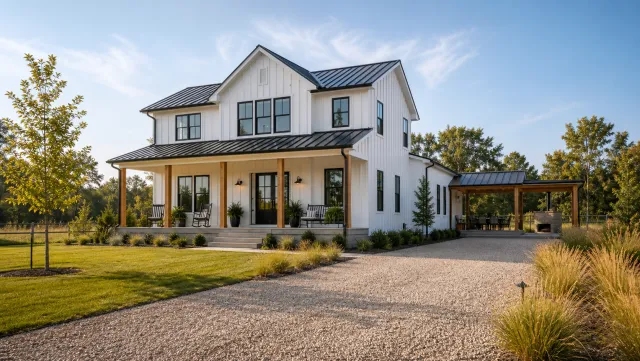
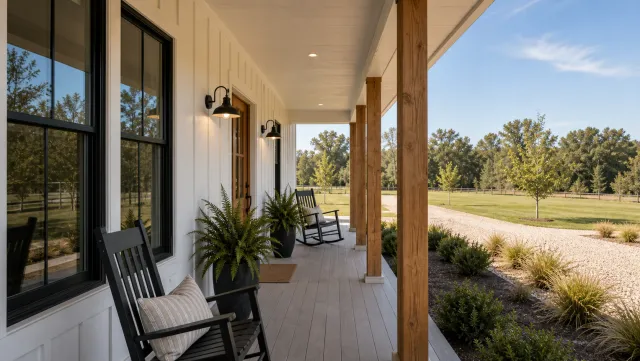
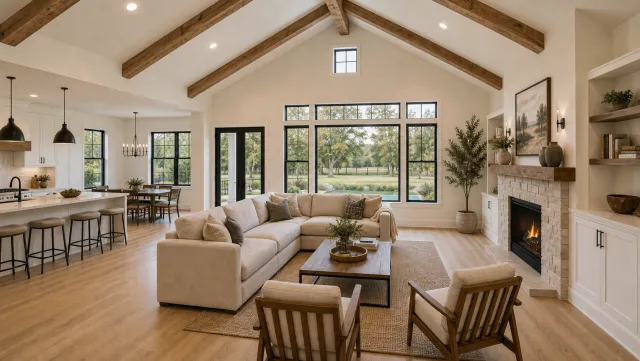
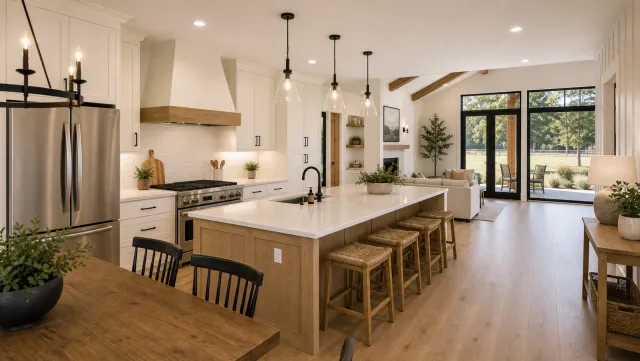
5 listing photos
1 finished video
Make a manufactured home listing video
Upload your photos and get a finished video back in about two minutes.
Captions and hooks for manufactured home listings: copy-paste options
Strong manufactured home captions lead with the most compelling number: price, square footage, or lot size. Pair that number with one upgrade or standout feature, then close with a clear next step. Here are 12 captions to copy and adjust for your listing.
The hook line earns the scroll-stop. Keep the first 100 characters free of hashtags so the key information shows before the “more” cut. Add five to ten local hashtags at the end of the caption once the core message is complete.
Copy-paste captions for manufactured home listings:
- “1,400 sq ft for under $[price]. New floors, new HVAC, big backyard. Link in bio to book a showing.”
- “Move-in ready and priced at $[x] per sq ft. Walk every room in 60 seconds: [link]”
- “Double-wide on owned land. Three beds, updated kitchen, covered deck. Full tour in bio.”
- “This community home comes with a pool, a clubhouse, and low monthly fees. Full walkthrough below.”
- “Under $200k and fully renovated. The before-and-after is in the video.”
- “More square footage per dollar than anything else in [city]. See it here: [link]”
- “New metal roof (2023). New floors (2024). Asking $[price]. Book a showing.”
- “Three beds, two baths, 1,600 sq ft, and a half-acre lot. All for $[price].”
- “Just listed: three-bedroom manufactured home with garage, shed, and room for a garden. $[price].”
- “The lot, the upgrades, and the price, all in one listing. Showings by appointment.”
- “Out-of-state buyers: virtual tour posted. Watch the full walk before you fly.”
- “First-time buyers: this home qualifies for [financing option]. Full details and tour below.”
Adjust the brackets for each listing. Every caption above follows the same structure: the most compelling number first, one upgrade or standout feature, a clear next step.
For format-specific caption structures and weekly posting schedules, the real estate videos for social media guide maps each platform to a cadence and optimal posting time. The real estate video templates guide covers layout choices for vertical, square, and landscape cuts.
Manufactured home listing video FAQ
A manufactured home listing video runs 45 to 90 seconds, opens with the full lot exterior, walks the interior at two to three seconds per room, and highlights visible upgrades with year-installed text overlays.
Frequently asked questions
Make a value tour that shows the full lot, the interior square footage, and your top two or three upgrades. Open with the exterior to establish the land, then walk the interior at a pace of two to three seconds per room. Overlay the price, bed count, and square footage as on-screen text so buyers have the key numbers in front of them.
Post the 9:16 vertical cut to Reels and TikTok with a caption that leads with the price per square foot or the lot size. Embed the 16:9 landscape cut on the listing page. Share the 1:1 square cut in email to buyer leads. A single PropFade session exports all three formats from one photo set, covering a full week of posts from one listing.
Vertical 9:16 reaches the most buyers on Reels and TikTok, where property searches are active and the algorithm rewards consistent posting. Use 1:1 square for Facebook and Instagram feed posts, and 16:9 landscape for the listing page, YouTube, and any buyer presentations or CMA materials.