
A real estate video editor helps agents cut listing footage, add music and captions, and export each clip in the correct format for every platform. The right pick depends on whether you edit on a phone, work on a desktop, or want AI to produce a finished video from your listing photos.
This page compares editor categories by agent workflow, maps the features that move a listing, and covers the fastest path for agents who skip filming entirely. For a broader view of the real estate video landscape, the pillar hub covers every format and use case.
What to look for in a real estate video editor
A good real estate video editor covers four essentials: multi-format export (9:16, 1:1, 16:9), a licensed-music library, auto-captions, and a reusable branded outro. Any editor that handles all four removes most of the repetitive work from listing video production.
Multi-format export is the most critical feature for agents. Reels, TikTok, and Shorts use 9:16 vertical; the main feed uses 1:1 square; listing pages and YouTube use 16:9 horizontal. Without multi-format export, you re-edit the same footage three times per listing, adding 20 to 40 minutes per listing for a standard three-format project.
Licensed music prevents copyright claims that can pull a video off Instagram or YouTube mid-campaign. An editor with a built-in music library can significantly reduce that risk. Tracks bundled with agent-focused editors are typically cleared for commercial real estate use, but verify the commercial-use and platform rights for each publishing destination before going live.
Auto-captions matter because social video plays on mute for the majority of viewers. An editor that generates captions from a voiceover automatically can save several minutes of manual transcription per video, depending on script length, and keeps the message readable for anyone scrolling without sound.
A branded outro closes each video with your name, headshot, brokerage logo, and contact details. A reusable closing frame, saved as a template, means every listing video closes the same way without rebuilding the outro for each project.
Two more features that compound with listing volume: text overlays for price, bed count, bath count, and neighborhood; and a template system that locks in your intro, fonts, and music across every listing. Without a template, each video starts from scratch and your brand reads differently from listing to listing.
A sixth feature worth checking before you commit to an editor: multi-format export speed. Agents producing five or more listing videos per week benefit from a tool that renders multiple formats simultaneously rather than queuing one file at a time.
Best real estate video editor apps for realtors
The top editor options for agents fall into three categories: AI auto-make tools that build videos from listing photos, guided browser editors with large template libraries, and desktop software for agents who want frame-level control. The fastest for listing production is an AI auto-make tool; the most flexible for custom branded content is a professional desktop editor.
| Editor | Platform | Best for | Multi-format | Auto-captions | Price |
|---|---|---|---|---|---|
| PropFade | Web | AI auto-make from listing photos | 9:16, 1:1, 16:9 at once | Yes | Trial available |
| CapCut | Mobile, Web | Quick Reels and social edits | Yes | Yes | Base plan; paid tiers |
| InVideo | Web | Template-guided browser editing | Yes | Yes | Subscription |
| Animoto | Web, Mobile | Photo slideshow videos | Yes | Limited | Subscription |
| DaVinci Resolve | Desktop | Color grading and batch editing | Yes | Manual | Base version; paid Studio |
| Adobe Premiere Pro | Desktop | Professional multi-listing production | Yes | With extension | Creative Cloud |
PropFade builds listing videos from photos with no filming required. You upload 12 to 20 listing photos, confirm the listing details, and the AI animates each photo with motion, generates a voiceover from those details, adds captions, and renders a 9:16, a 1:1, and a 16:9 cut simultaneously. For agents producing five or more listings a week, the time savings over manual editing add up to several hours per week.
CapCut is a mobile and browser editor with a large template library, a licensed music catalog, and auto-caption generation. It is widely used by agents for quick Reels and TikTok edits, particularly for just-listed posts and open-house promos. A base plan is available alongside paid tiers that include the full commercial music library and additional premium templates.
InVideo runs entirely in the browser and guides agents through a template-to-video workflow. It suits agents who want a more structured starting point and do not need frame-level timeline control. Pricing is subscription-based; check the current plans on their site for the latest tiers.
Animoto takes a photo-first approach: you upload a set of listing images, choose a slideshow-style template, and export. It is the fastest path for a basic photo video, though pacing and transition control is more limited than a full NLE. Check current pricing on their site.
DaVinci Resolve has a capable base version that handles multi-format export, color grading, and audio editing. The paid Studio edition adds advanced effects and team collaboration features. Best for agents with production experience who want maximum output quality and precise export control.
Adobe Premiere Pro is the industry-standard desktop NLE and a Creative Cloud subscription. It pairs with After Effects for motion-graphic closing frames and brokerage branding elements. The learning curve makes it best suited for agents who produce a high volume of videos weekly or work with a dedicated media team.
For the ai real estate video editor category specifically, compare tools built around real estate listing workflows rather than general social video.
Desktop, mobile, and AI editors: how to choose
Desktop editors give the most control, mobile editors suit on-site same-day posts, and AI auto-make tools skip filming entirely. Your choice comes down to how much time you can spend per listing and whether you film the property yourself.
Desktop editors fit agents who produce five or more listings per week or who work with a dedicated videographer. Premiere Pro and DaVinci Resolve deliver the highest output quality, support color grading to keep varied lighting consistent across a property, and give frame-level control over cuts and transitions. Plan for roughly 10 to 20 hours of practice before the workflow becomes fluent.
Mobile editors suit agents who film on-site and want to post the same day. CapCut, Canva Video, and InShot are all vertical-first, which matches the 9:16 crop that Reels and TikTok prioritize. A typical listing edit on mobile takes 15 to 30 minutes. The tradeoff versus desktop is less precise audio mixing and fewer options for custom motion graphics on closing frames.
AI auto-make editors remove both the filming and editing steps. A photo-to-video editor takes listing photos as the starting point, so agents on a full showing schedule, managing vacant homes, or running high listing volumes can produce listing videos without any dedicated production time. The output follows a structured photo-animation workflow rather than a fully custom edit, which suits most agent needs for social distribution and MLS video.
For a full breakdown of every tool in the category, the guide to video editing software for real estate covers both consumer and professional options with agent use-case notes.
Real estate video styling and the auto-edit workflow
Saved styling reduces per-listing production time by giving you a consistent opening, font, caption treatment, and outro across every video. In a photo-to-video workflow, the same listing facts and photo order can output in all three formats from one project.
You can browse real estate video templates as visual references before starting a project to match the pacing and title-card style to the listing type.
The auto-edit workflow runs in three steps. Upload 12 to 20 listing photos. Confirm the listing facts: address, price, beds, baths, and one standout feature. Export. The platform animates each photo with motion, drafts the voiceover from the listing details, adds captions, and delivers three formats.
For agents producing multiple listings per week, the time savings compound quickly. Five listings that would take roughly two hours of manual editing can move through the auto-make workflow one project at a time, with each typical 12-to-20-photo, three-format project rendering in about two minutes.
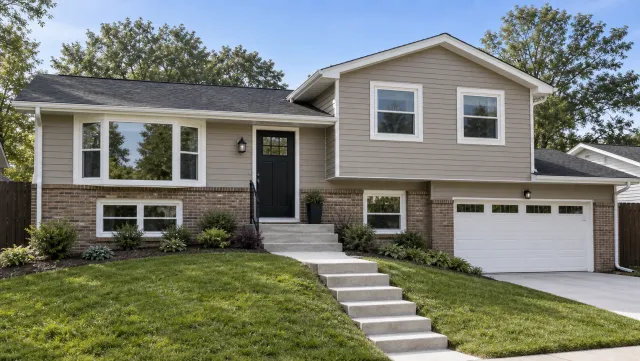
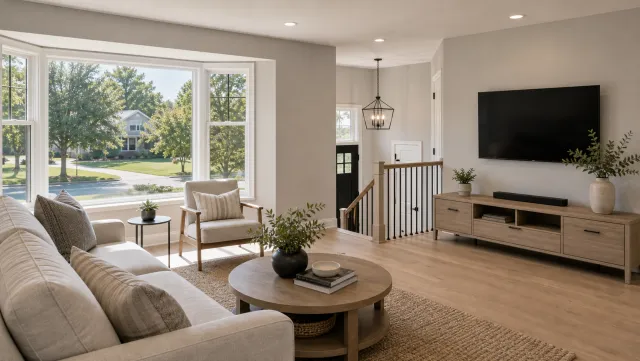
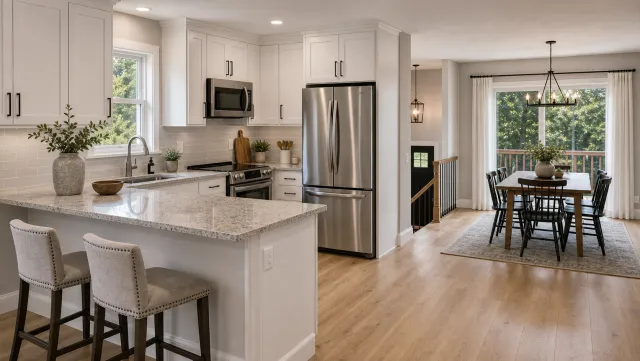
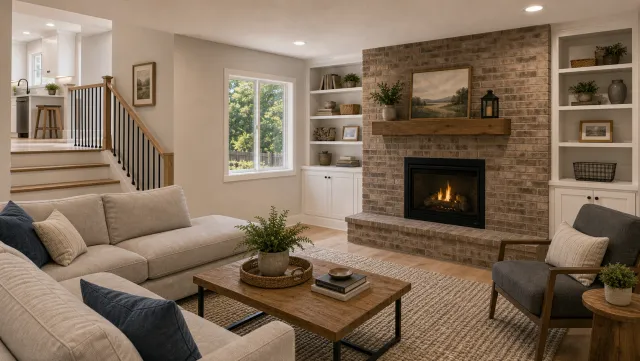
5 listing photos
1 finished video
Try the AI listing-video editor
Upload your photos and get a finished video back in about two minutes.
The real estate video maker guide covers the full upload-to-export flow in detail, including how to confirm listing facts and review the generated captions before final export.
Frequently asked questions
The best pick depends on your workflow. CapCut handles quick phone edits for Reels with its base plan. InVideo guides browser-based editing from structured layouts. PropFade auto-makes a finished listing video from photos in three formats (9:16, 1:1, 16:9) with no filming required, in about two minutes. For agents who want professional-grade color control, DaVinci Resolve has a capable base version.
Yes. PropFade is built specifically for listing video production: it takes listing photos as input, generates a voiceover from the property details, and exports 9:16, 1:1, and 16:9 formats from one project. AutoReel is another option designed around agent workflows. General editors like CapCut and InVideo also serve agents well for social cuts.
With a photo-to-video editor, you upload 12 to 20 listing photos and confirm the property details. The platform renders all three formats (9:16, 1:1, 16:9) in about two minutes per listing. For several listings, run each project through the same photo-to-video workflow and review each output before posting.