
The strongest investment property videos lead with the numbers. Investors reviewing listings need the cap rate, monthly cash flow, and current occupancy before they need the kitchen counters. Put the yield in the first three to five seconds and you filter in qualified buyers faster than any listing photo.
This page gives you six video formats that work for income-producing properties, a ready-to-shoot shot list, copy-paste captions and hooks for social, and the fastest path from photos to a finished video.
Best real estate video ideas for investment property
Six video formats perform consistently for income-producing listings: a data-overlay ROI tour, a condition and systems walkthrough, a neighborhood income driver overview, a tenant-in-place story, a before-and-after renovation reel, and a side-by-side comparables breakdown.
1. Data-overlay ROI tour
The data-overlay tour puts the headline numbers on screen as text overlays while you walk through the property. Show the cap rate, current monthly rent, annual gross income, and occupancy rate in the first 10 seconds. Investors screen many properties a week, so your video earns the next call only if those numbers appear before the first cut.
Use bold, high-contrast text overlays. Keep each data point on screen for two to three seconds. Pair the overlays with a slow walk through each unit interior so the visible condition supports the figures.
2. Condition and systems walkthrough
Serious buyers doing due diligence want the mechanical room, not just the kitchen. A condition walkthrough that shows the roof access, HVAC, electrical panel, and water heater, with labeled overlays for age and condition, signals that the property is fully underwritten.
Film the mechanicals in a single pass and label key facts as text overlays: “Roof replaced 2022,” “HVAC new 2023,” “200-amp service.” That 30 seconds of footage answers the questions a serious buyer asks on the first call and builds credibility before the showing.
3. Neighborhood income driver overview
Show the factors that support the rent: the transit stop two blocks away, the employment hub within a 10-minute commute, or the college campus that fills a student rental. A 20-second neighborhood clip at the end of your property tour delivers context that listing photos alone cannot.
For a commercial or retail investment, film foot traffic at peak hours and capture the signage of neighboring anchors. For a residential rental, a quick shot of the nearest transit station or main employment corridor takes 90 seconds to film and adds lasting credibility to the rent estimate.
4. Tenant-in-place story
When the property has long-term tenants and a solid rent roll, document it visually. A brief exterior shot with an overlay reading “Tenant in place, lease through Dec 2027, $2,400/month” converts investors buying for yield faster than a renovation montage.
Get written permission before filming any occupied interior. An exterior-only tour with data overlays works just as well and avoids any privacy complications.
5. Before-and-after renovation reel
Value-add and fix-and-flip properties sell on the story of transformation. A 60-second video that opens on the raw condition and closes on the finished product shows an investor the margin at a glance. Keep the before footage honest, because serious buyers inspect the property regardless.
Pair the reel with the project numbers as text overlays: purchase price, renovation budget, projected after-repair value (ARV), and projected monthly rent. Label each figure clearly as actual or projected so viewers can distinguish recorded results from estimates. Cap rates and ARV projections depend on market conditions and execution, so avoid wording that implies guaranteed returns. Showing the transformation alongside labeled return inputs gives investors the data to run a quick return estimate on the spot.
6. Side-by-side comparables breakdown
A 30-second video that puts your property on screen next to two or three recent sales, with price per unit or price per square foot labeled, positions you as the agent who has done the underwriting. This format works best for small multifamily (2-to-8 unit) properties where the comparable set is tight enough to summarize clearly.
For a full strategy on where each of these formats fits in a distribution plan, see the real estate video marketing guide and the real estate video hub for the complete format overview.
Investment property shot list: what to film
A complete investment property shot list covers four categories: exterior and parking, unit interiors for each unit, the mechanicals room, and a neighborhood anchor. Add a data screen shot showing the rent roll, and the editor has everything needed to build a 90-second investor tour.
Allocate 30 to 45 minutes on site for a thorough capture. Film each shot twice, a safe take and a better take, so the editor always has an option. The categories below cover a typical 2-to-8 unit residential investment property; adjust for commercial assets.
Investment property video shot list
- **Exterior and parking:** Full building frontage, shot from across the street
- **Exterior and parking:** Parking lot, driveway, or garage approach
- **Exterior and parking:** Signage and street number
- **Exterior and parking:** Any outdoor storage or utility areas (film the reality, not a staged version)
- **Unit interiors (repeat for each unit):** Entry into the unit, doorway reveal
- **Unit interiors (repeat for each unit):** Kitchen, one slow pan across counters and appliances
- **Unit interiors (repeat for each unit):** Main living area, wide shot then one detail
- **Unit interiors (repeat for each unit):** Bedroom(s), doorway reveal into the room
- **Unit interiors (repeat for each unit):** Bathroom, clean and well-lit
- **Unit interiors (repeat for each unit):** Any upgraded finishes worth calling out: new floors, windows, or fixtures
- **Mechanicals room:** Boiler or furnace with a text overlay for model and year
- **Mechanicals room:** Water heater (age and capacity labeled)
- **Mechanicals room:** Electrical panel (amperage and condition labeled)
- **Mechanicals room:** Any recent capital improvement: new plumbing stub-out, roof access hatch with year noted
- **Common areas:** Lobby or building entry, if the building has one
- **Common areas:** Laundry room or shared tenant amenity
- **Common areas:** Hallways and stairwells, which show deferred maintenance honestly to serious buyers
- **Neighborhood anchor:** The nearest transit stop or major road intersection
- **Neighborhood anchor:** Retail or employment anchor within walking distance
- **Neighborhood anchor:** A neighborhood identifier (street sign, district marker) that places the property geographically for remote investors
- **Data screen:** A phone or laptop displaying a redacted rent roll, a cap rate summary, or an owner-approved pro forma summary. Show aggregate figures only: total monthly rents, occupancy rate, lease-expiration ranges (for example, all leases through Q3 2027), and cap rate inputs. Exclude tenant names, individual unit-level identifiers, and private lease terms. A clean 30-second data screen shot on the timeline delivers more credibility to an investor viewer than an additional bedroom reveal.
For the edit, pair this capture list with real estate video editing services when you have filmed clips, or use the real estate video marketing guide to map the finished investor tour to email, YouTube, and social cuts.
The fastest way to make an investment property video
PropFade auto-makes an investment property listing video from 12 to 20 photos in about 2 minutes, exporting a 9:16 social cut, a 1:1 feed cut, and a 16:9 web cut from a single upload, with data overlays drawn from the listing details you enter.
Upload your listing photos, then enter the key financial stats: cap rate, current monthly rent, and occupancy. PropFade animates each photo with motion, drafts a voiceover from the property facts, and positions your data points as clean on-screen overlays across each format.
The finished export covers every placement in one project: the vertical 9:16 cut for Instagram Reels, TikTok, and YouTube Shorts; the square 1:1 cut for the feed and investor email campaigns; and the 16:9 landscape cut for your broker presentation deck or property listing page. Most MLSs require an unbranded version for direct upload to the listing feed, with no logos, contact details, or external links, so export a clean unbranded cut and verify your local MLS rules before submitting.
This path scales well for agents with active investment portfolios. Upload a photo set per property, review the draft, and export in the format each investor prefers. An ai real estate video editor handles the motion, pacing, and export automatically, reducing the per-listing production time to a few minutes of review.
Prebuilt real estate video templates give you a starting layout designed for investment content. See finished examples across property types on the real estate video examples page.
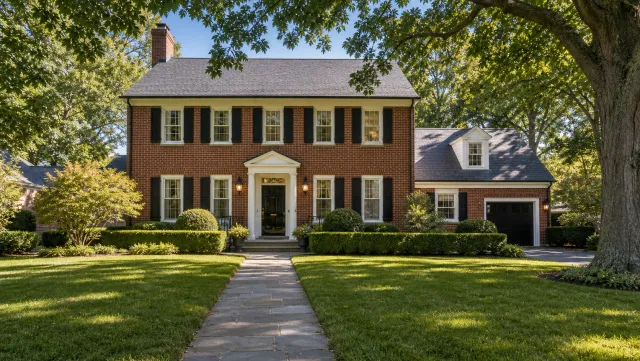
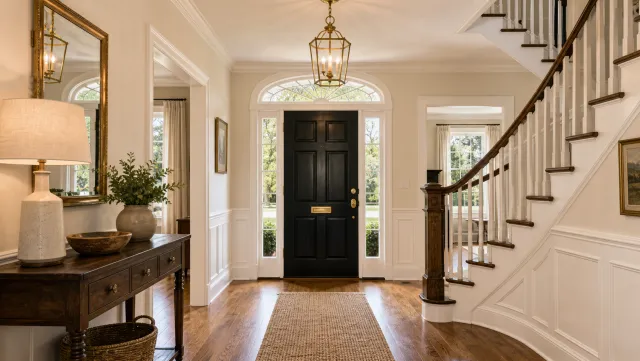
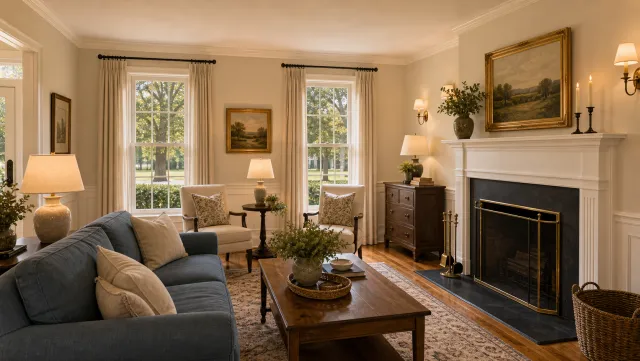
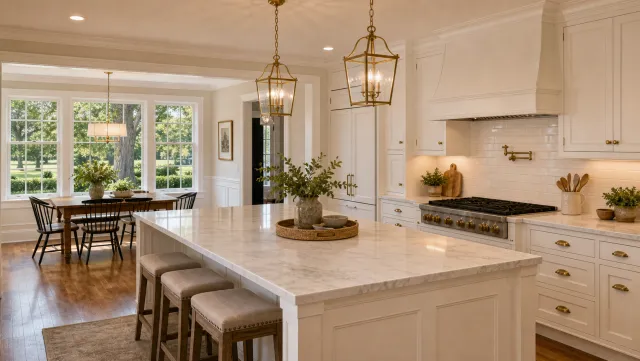
5 listing photos
1 finished video
Make an investment property listing video
Upload your photos and get a finished video back in about two minutes.
Captions and hooks for investment property videos
For investment property social content, lead with the ROI number, follow with location and condition, then close with a direct call to action. Investors scroll past lifestyle captions; the number is the hook that earns the tap.
Copy-paste opening hooks (on-screen text or spoken in the first 3 to 5 seconds):
- “5.2% cap rate. Tenant in place. Here’s what’s inside.”
- “This duplex cash-flows $800/month. Let me walk you through it.”
- “I’m walking through a 6-unit that pencils at a 7% return.”
- “3 units, 100% occupied. HVAC brand new. Take a look.”
- “Asking $420K. Gross rents $3,900/month. Here’s the tour.”
- “Value-add play in [neighborhood]. Rents are $250 below market. Here’s the opportunity.”
Copy-paste social captions:
Short caption (for Reels or TikTok): “Cap rate: 5.8%. Occupancy: 100%. Located in [neighborhood]. This triplex hit the market today. DM for the full rent roll, or book a showing at the link in bio.”
Longer caption (for an Instagram feed post): “Investors, this one is worth running your numbers on. [Property type] in [city or neighborhood]. Current rents: $X,XXX/month. That’s a [X]% cap rate at ask. Roof replaced [year]. HVAC [year]. Full walkthrough in the video above. Questions below, or DM me for the financials.”
Value-add caption: “Value-add opportunity in [area]. Rents are $200-300/month below market. Cosmetic updates needed. At current ask and market rents, the projected cap rate moves from 4.1% to 6.3%. Full walkthrough in the video.”
When including financial projections in captions, label them as estimated or projected to distinguish them from current actual performance. Actual figures (current rent, occupancy, existing cap rate) can appear without qualification; forward-looking figures (stabilized cap rate, ARV, pro forma rents) should be clearly marked as projections.
MLS and email video description hooks:
- “Watch the tour: [property address] | Cap rate [X]% | [X] units | [occupancy]% occupied”
- “Video walkthrough: [address], current rent $[X]/mo, [year] mechanicals, [occupancy]% occupied”
The real estate video marketing guide covers where to post investment content and how to target investor audiences on social. For building a consistent posting habit week over week, the real estate videos for social media guide sets a repeatable cadence.
Investment property video FAQ
The most common questions cover which video format to lead with, how to distribute investment content on social, and which export format fits each platform. The answers below address each directly.
Frequently asked questions
Start with a data-overlay ROI tour that shows the cap rate, monthly rent, and occupancy rate in the first 10 seconds, then walks through the unit interiors and mechanicals room. That format gives investors the financial signal and the condition proof in under 90 seconds, which is what earns the follow-up call.
Post a 60 to 90-second data-overlay tour to Instagram Reels, TikTok, and YouTube Shorts with the ROI number as the opening hook. Email the 16:9 landscape version to your investor list with the cap rate and current rent in the subject line. Pair each video with a short caption and a direct link to the listing or rent roll document.
A 9:16 vertical cut (60 to 90 seconds) performs best on social platforms, where most investor discovery happens today. A 16:9 landscape cut works for your listing page, MLS syndication, and broker emails. PropFade renders both formats, plus a 1:1 square cut for the feed, from one photo upload.