
Estate and acreage listings have a larger canvas than a standard residential property, and the video strategy reflects that. Drone footage, grounds tours, and lifestyle sequences capture the land, the privacy, and the scale that photos alone compress out. This guide gives you seven specific ideas, a complete shot list, and 12 copy-paste captions ready for social.
For the full real estate video program, including format specs and distribution strategy, the pillar hub is the starting point.
Best video ideas for estate and acreage listings
Estate and acreage listings sell on land, privacy, and lifestyle. The seven video ideas below cover each: a drone overview, golden-hour drive-in, grounds tour, privacy spotlight, lifestyle sequence, outbuilding showcase, and water feature clip.
1. Drone acreage overview
A drone overview is the most informative opener for any estate or acreage listing. Fly between 40 and 80 feet to frame the main house against the surrounding land, then climb to 100 to 120 feet to show the approximate boundary, fence lines, and tree coverage. Hold the final wide shot for 10 to 15 seconds before cutting.
The overview answers the buyer’s first question: how much land, and where does it sit? Open the listing video with this shot and use the widest aerial frame as the cover thumbnail on social.
2. Golden-hour drive-in
Film the arrival sequence at dusk or dawn when the light is warm and long. Start at the road, capture the gate or entrance pillars, and move slowly up the driveway to the first full facade reveal. Buyers in the estate market respond to arrival, and the drive-in sets that emotional register in the first five seconds.
The golden-hour window lasts 20 to 30 minutes on site. Plan this shot first in your schedule, before clouds shift or the light flattens, and hold a fresh drone battery for it.
3. Grounds walking tour
A walking sequence through the grounds builds the sense of scale that static photos compress out. Capture the main lawn, any specimen trees or garden beds, the path between the main house and outbuildings, and any changes in terrain. Walk slowly and let the camera settle at each stop before moving.
Real estate video tours guide buyers through the interior; the grounds tour is the exterior counterpart that estate buyers specifically look for when evaluating land use and flow between structures.
4. Privacy-feature spotlight
Privacy ranks high in the estate buyer’s priority list. Capture the natural tree buffer, the fence line, the distance from the nearest road, and any gate system. A short drone pass showing the setback from neighboring properties communicates seclusion faster than listing copy.
Keep this clip under 15 seconds. The detail shot of the gate or the tree line is the frame buyers screenshot and share before requesting a showing.
5. Lifestyle sequence
A 10-to-15-second lifestyle clip gives buyers an emotional anchor alongside the formal listing footage. The right sequence depends on the property: horses crossing the pasture, a kayak launch from the creek bank, an early-morning walk on the trail, or a fire pit gathering at dusk.
Stage the lifestyle shot last in your schedule, after the formal footage, so the property reads as genuine rather than performative.
6. Outbuilding showcase
Barns, guest houses, workshops, and machine sheds are often the headline feature for estate buyers. Shoot each outbuilding with one exterior wide shot and one doorway reveal inside. Add the square footage as on-screen text so buyers carry that number without reading the listing sheet.
For properties with three or more outbuildings, create a dedicated outbuilding reel as a separate social post and link it in the bio alongside the main listing video.
7. Water feature spotlight
Creek, pond, lake access, or river frontage is a feature buyers search for by name. Capture the water from the bank at eye level, then add a low drone pass over the surface if water is the defining asset of the property. Still water at golden hour reflects light evenly and compresses well on mobile screens.
Matching each idea to the right platform
Estate videos perform differently by format. The drone overview and golden-hour drive-in work best as the opening hook in a 9:16 vertical cut for Reels and TikTok, where they stop the scroll in the first two seconds. The full grounds tour suits a longer 16:9 horizontal cut on YouTube and the listing page, where buyers have already expressed interest and will watch two to three minutes. The lifestyle clip works across both formats and also runs well as a paid Meta housing ad using the platform’s Special Ad Category settings and compliant geographic targeting.
For real estate video editing services, a professional editor can cut a drone overview into both a 15-second social teaser and a 90-second full tour from the same raw footage. The real estate video pricing guide compares the full production route with the photo-to-video path on time and cost.
Estate and acreage shot list: what to capture before you leave
A complete estate shot list covers three tiers: drone aerials for the land, ground-level grounds footage, and interior highlights. Capture all three tiers in one visit to avoid reshoot trips to remote locations.
The how to make a real estate video guide covers filming technique in detail. This list focuses on what to capture specifically for an estate or acreage property, where the grounds matter as much as the interior.
| Shot | Position | Target Length |
|---|---|---|
| Gate or entrance approach | Ground, eye level | 5 sec |
| Full aerial boundary overview | Drone, 80 to 120 feet | 10 to 15 sec |
| Driveway reveal | Drone low or ground, moving | 6 sec |
| Main house exterior | Ground, wide angle | 5 sec |
| Privacy buffer or tree line | Drone or ground | 5 sec |
| Grounds walking path | Ground, moving camera | 8 sec |
| Outbuilding exterior | Ground, wide | 4 sec |
| Outbuilding interior hero | Ground, doorway reveal | 4 sec |
| Water feature | Bank level or low drone | 6 sec |
| Pasture or open fields | Drone, mid-altitude | 5 sec |
| Interior: kitchen | Ground, slow pan | 4 sec |
| Interior: great room or living | Ground, wide | 4 sec |
| Interior: primary suite | Ground, doorway reveal | 4 sec |
| Golden-hour exterior | Ground or drone | 6 sec |
| Aerial outro | Drone, rising or pull-back | 8 sec |
Drone tips for estate properties
Fly the drone during the first 30 minutes on site, before cloud cover shifts or wind picks up. A fully charged battery gives roughly 20 to 25 minutes of flight time: use the first battery for the overview and boundary shots at altitude, and reserve the second for the low, slow reveal shots near the gate and driveway. Confirm that commercial drone operations in your area fall under FAA Part 107 certification before publishing aerial footage as part of a paid listing service. Fence lines and tree lines visible in drone footage are approximate visual markers; verify the legal parcel boundary against the county parcel map, plat, or survey before representing any aerial as showing a surveyed property line.
For multi-building properties, allocate one exterior wide and one interior hero shot per structure before filming anything else. A 10-acre estate with a main house, a barn, a guest cottage, and a workshop needs at least 12 dedicated shots before any interior footage begins.
The fastest way to turn listing photos into a finished estate video
Upload 12 to 20 listing photos to PropFade and the platform animates each photo with motion, adds a voiceover from the listing details, adds captions, and renders three export formats in about two minutes.
This path fits estate and acreage listings where the property is remote, access is gated, or the agent is managing a portfolio of rural listings across a wide geography. A filmed estate video typically requires 2 to 3 hours on site for a large property plus editing time. The photo-to-video path cuts that to the time it takes to upload the photos and confirm the listing details, which suits a same-day publish cadence when a listing goes live on short notice.
You upload the photos and confirm the details (address, beds, baths, acreage, price). PropFade exports a 9:16 vertical cut for Reels and TikTok, a 1:1 square cut for the Instagram feed, and a 16:9 horizontal cut for the listing page and YouTube, all from one project.
The real estate video marketing guide covers where to post each format and how to schedule a full week of content from a single listing video project.
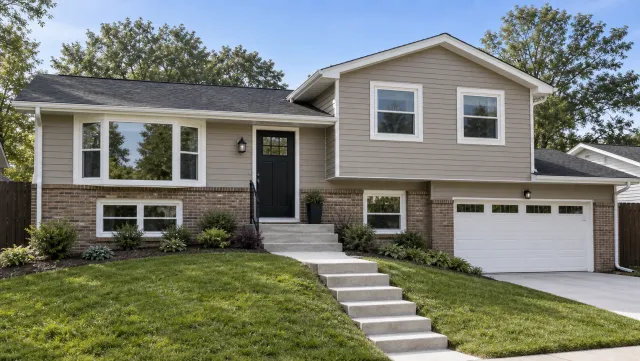
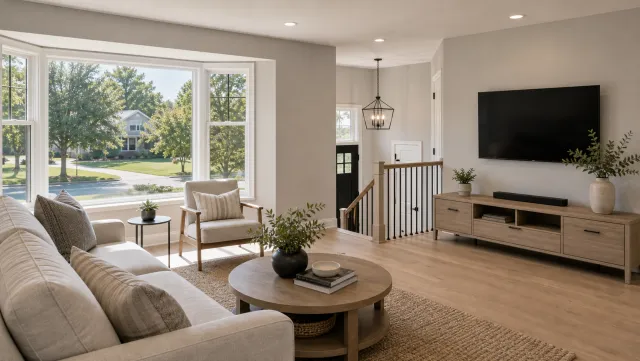
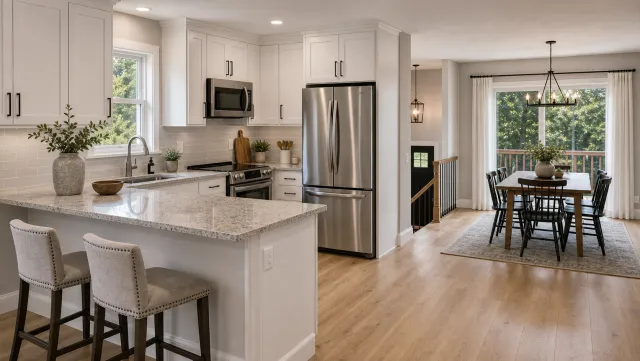
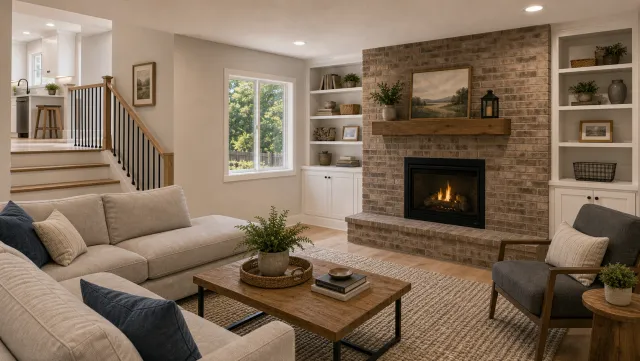
5 listing photos
1 finished video
For hands-on editing after the auto-render, the ai real estate video editor lets you review photo duration, adjust transitions, and rewrite the voiceover script before exporting.
Make an estate and acreage listing video
Upload your photos and get a finished video back in about two minutes.
Captions and hooks for estate and acreage listing videos
The strongest hooks for estate and acreage content open on scale, privacy, or lifestyle in concrete terms. These 12 captions are copy-paste ready for Reels, TikTok, Instagram, and Facebook.
Estate and acreage video hooks
1. "[N] acres. Zero neighbors in sight. This is what privacy looks like."
2. "Rolling hills, [N] acres, and a home built to match. Link in bio."
3. "The driveway alone is worth the trip. Swipe to see what's at the end of it."
4. "This listing comes with its own [creek / pond / pasture]. [N] acres in [City]."
5. "Built for horses, designed for people. [N] acres in [City]."
6. "When the backyard is a [N]-acre working [farm / ranch / estate]."
7. "Buying acreage means buying a lifestyle. Here is what [N] acres looks like."
8. "The kind of property that standard search filters miss. [Price] / [N] acres."
9. "Gate closes. World disappears. [Neighborhood or county]."
10. "The land sells the home here. Drone tour in the video."
11. "[N] acres of [woods / pasture / river frontage]. New to market."
12. "Rare acreage in [City]. The kind that sells once and stays sold."

Replace the brackets with the listing's actual data before posting. The highest-performing captions on estate content tend to lead with the acreage count, the privacy angle, or a lifestyle use case specific to the land.

The [real estate video music](/real-estate-video/video-music) guide covers matching a soundtrack to the pace and mood of an estate tour, which affects how long buyers watch on Reels and TikTok before tapping through to the listing.
Estate and acreage listing video FAQ
Estate and acreage listings perform best with a drone overview as the lead video, paired with a grounds tour and one lifestyle clip. Market across Reels, TikTok, YouTube, and email using 9:16, 16:9, and 1:1 cuts.
Frequently asked questions
The drone acreage overview is the highest-priority video for an estate or acreage listing. It shows the land, the boundary, and the scale in 60 to 90 seconds. Pair it with a grounds walking tour and one lifestyle clip for a three-video content set that covers the full buyer journey from discovery to showing request.
Post the drone overview on Reels and TikTok first, where land and lifestyle content earns strong engagement. Publish the 16:9 version on YouTube with the full address and acreage count in the title. Add the video to the MLS where your local board rules allow, using the approved virtual-tour or video field, and publish the full version on the brokerage listing page. Include the link in the property email. Run the 1:1 square cut as a paid Meta housing ad using the Special Ad Category settings and permitted geographic targeting.
9:16 vertical is the priority format for social reach on Reels, TikTok, and YouTube Shorts. 16:9 horizontal anchors the listing page and YouTube channel. 1:1 square works for email and the Instagram grid. PropFade exports all three formats from one photo upload so every platform gets a purpose-built cut.