
A commercial property listing video has to answer three questions before a prospect schedules a tour: is the location right for this type of business, does the space meet the physical and operational requirements, and does the financial case hold up? Unlike a residential tour, which leads with lifestyle and emotion, a commercial video leads with location data and hard specs.
The ideas below each target one of those questions, with shot angles, spec overlay formats, copy-paste captions, and a complete shot list you can use on your next film day.
Best video ideas for a commercial property listing
The six video formats that drive the most commercial inquiries are a location walk, a drone overview, an interior tour with spec overlays, a neighborhood context reel, a data-overlay social short, and a virtual-staged build-out concept.
Each format addresses a different filter in the prospect’s decision process. Lead with the location walk and drone shot to answer visibility and access questions first, then layer in the spec overlay tour once the location passes the initial screen.
1. Location walk video
Start filming from the nearest signalized intersection and walk or drive to the property entrance on camera. Show the neighboring tenants, the building’s visible signage from the road, and the parking lot entry from the street. For retail or restaurant listings, add a text overlay with the average daily vehicle count on the adjacent road, which city and county traffic engineering departments publish for major corridors.
Keep the clip between 60 and 90 seconds. Open at the intersection and end at the front door. This clip answers the first question a retail or food-service tenant asks: how much traffic passes this location, and from which direction?
2. Drone overview video
A drone clip taken 150 to 200 feet above the property shows ingress, egress, parking capacity, and the surrounding block in a single 30-second shot. Commercial prospects use this before they visit to assess access from each direction, count visible parking stalls, and evaluate the property’s visibility from the main road.
Commercial drone operations in the US require a Part 107 Remote Pilot Certificate from the FAA. Licensed operators are available in most markets for around $200 to $500 per session if you do not hold your own certificate.
3. Interior tour with spec overlays
Walk the space from the entry to the rear service area and burn in text overlays for each key spec as you move through: total square footage, bay dimensions, clear ceiling height in feet and inches, electrical capacity in amps (single-phase or three-phase), HVAC type, and parking ratio. Decision-makers need these numbers to qualify the space before committing time to a full site visit, especially on multi-stakeholder deals where not every decision-maker attends the first showing.
Keep each spec overlay on screen for three to four seconds so it reads clearly at phone viewing size.
4. Neighborhood context reel
Film a 60-second walk from the property front door to the nearest transit stop, lunch cluster, or anchor retailer. Office tenants prioritize commute access and lunch options. Retail tenants prioritize foot-traffic generators and residential density within walking distance. A single reel covering both takes under ten minutes to film and answers questions that otherwise surface late in the leasing process.
5. Data-overlay social short
Cut a 30-second vertical clip (9:16) that opens on the exterior, fades to the three most relevant specs as large bold on-screen text: square footage, price per square foot, and parking count. For investment listings, add the asking cap rate or stabilized yield alongside the square footage figure. Close with the broker’s name and a direct call to action.
This format distributes well on LinkedIn and runs effectively as a targeted Facebook or Instagram ad aimed at business owners and investors in the surrounding zip codes.
6. Virtual-staged build-out concept
For vacant shell space, showing a design rendering or a photo of a comparable finished fit-out beside the raw footage closes the “what would this actually look like” objection before it surfaces. Custom 3D rendering is optional. Side-by-side screenshots of a completed nearby space with similar ceiling height and square footage accomplish the same goal for most listings, and most commercial photographers can include one or two styled stills for an additional fee.
Commercial property shot list: what to capture on film day
A complete commercial property shot list covers seven zones: the approach, the exterior, the main floor, key operational features, back of house, the parking field, and a closing aerial.
Capture each shot twice: a safety take and a better take. For a space under 5,000 square feet, the full list takes 60 to 90 minutes on site. Larger industrial or multi-tenant buildings will run two to three hours.
Commercial property shot list
- **Approach and exterior:** Nearest signalized intersection looking toward the property (show road signage visibility)
- **Approach and exterior:** Street-level approach from the primary entrance road
- **Approach and exterior:** Storefront, building facade, and entrance from three angles: left, center, right
- **Approach and exterior:** Building address numbers, suite markers, and monument or pylon sign
- **Main floor:** Wide shot of the full floor plate from each corner
- **Main floor:** Ceiling height shot aimed upward to show the full clear height
- **Main floor:** Natural light sources: windows, skylights, clerestory panels
- **Main floor:** Loading dock doors or service entrance, captured open and closed
- **Key operational features:** Electrical panel with capacity labeled in the text overlay (amps, phase)
- **Key operational features:** HVAC units or rooftop equipment visible from the floor or a mezzanine catwalk
- **Key operational features:** Existing build-out elements: private offices, restrooms, break room, or server room
- **Key operational features:** Specialty assets specific to the property type: drive-through lanes, commercial kitchen hood and ansul system, cold storage rooms, freight lift, grease trap, or compactor pad
- **Back of house and parking:** Receiving area or dock approach from the alley or service road
- **Back of house and parking:** Parking field with stall count visible in the frame (walk the perimeter if needed)
- **Back of house and parking:** Dumpster enclosure and utility access points
- **Back of house and parking:** ADA accessible path markers and fire lane striping
- **Closing aerial:** Property from directly above at 150 to 200 feet
- **Closing aerial:** Slow orbit at the same altitude to show the full block and nearest intersection
- **Closing aerial:** Final approach: slow descending zoom from above toward the front entrance
The fastest way to make a commercial property video
The fastest path from listing photos to a finished commercial property video is to upload the photos into PropFade, which animates each image with motion, drafts a voiceover from the listing details you enter, adds captions, and renders three export formats in about two minutes.
You get a 9:16 vertical cut for LinkedIn and social ads, a 1:1 square cut for email and the main feed, and a 16:9 landscape cut for the listing page, CoStar, and LoopNet, all from one upload session.
This path is especially practical for commercial listings where physical access to the space is restricted before LOI, where the photographer has already delivered final images and filming is no longer possible, or where you are running multiple listings simultaneously and need a consistent visual format across all of them for the brokerage’s brand.
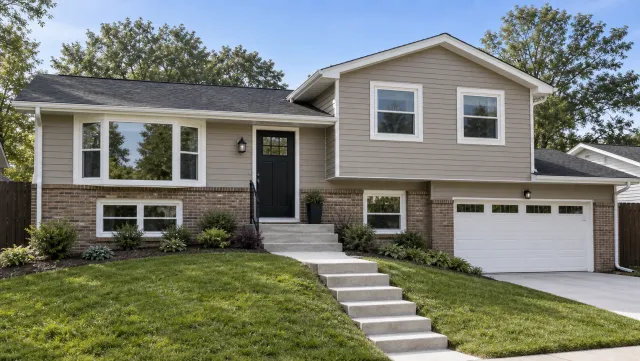
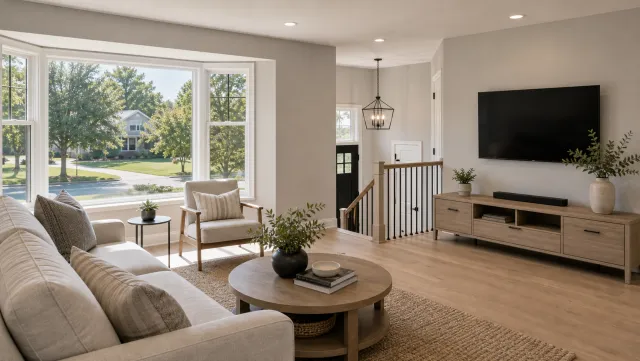
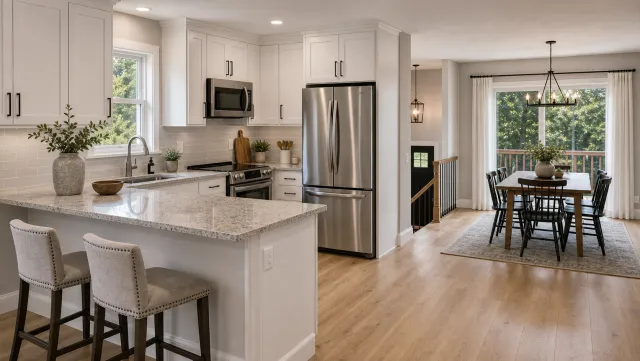
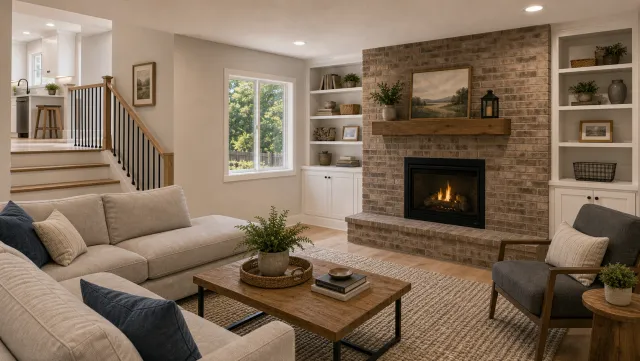
5 listing photos
1 finished video
The real estate video marketing guide maps each video format to the right distribution channel and posting cadence for a commercial cycle. For teams managing volume listings, the real estate video production guide covers workflow options for batching commercial properties efficiently.
Make a commercial property listing video
Upload your photos and get a finished video back in about two minutes.
Captions and hooks for commercial property listings
Copy these captions into LinkedIn, Instagram, or Facebook and fill in the bracketed fields with your listing data. Each caption opens with the prospect’s question rather than the property address, because address-first hooks perform poorly on platforms that reward early engagement.
Commercial property video hooks
For the location walk clip
"[CITY] corridor, [DAILY TRAFFIC COUNT] cars per day. [SQFT] sq ft available at [ADDRESS]. DM for the full spec sheet."
"Prime [NEIGHBORHOOD] storefront. Corner visibility, [N] surface spaces, plug-and-play buildout ready. Link in bio for the full tour."
"This [SQFT] sq ft space at [ADDRESS] sits [X] minutes from [MAJOR EMPLOYER OR TRANSIT LINE]. Specs in comments."

For the drone overview
"Access from [ROAD] and [ROAD]. [N] parking stalls. [SQFT] sq ft available. Inquire below for the leasing details."
"The bird's-eye view on [ADDRESS]: [N]-story building, [N] spaces, direct access off [HIGHWAY OR ARTERIAL]. DM for details."

For the interior spec tour
"[SQFT] sq ft. [CEILING HT] ft clear ceilings. [N]-phase power. [ZONING]. Available [DATE]. Spec sheet pinned in comments."
"Office suite at [ADDRESS]: [SQFT] sq ft, [N] private offices, [N] conference rooms. Asking [MONTHLY RATE]/mo. Schedule a tour below."

For the neighborhood context reel
"Steps from [ANCHOR TENANT], [TRANSIT STOP], and [LANDMARK]. [SQFT] sq ft available now on [STREET]. DM to connect."
"Walk score [N]. [N] restaurants within a quarter mile. [SQFT] sq ft office at [PRICE]/sq ft NNN. Details below."

LinkedIn caption format for commercial listings

LinkedIn captions for commercial listings perform best when the opening sentence names the business outcome rather than the property address. Lead with what the space enables, then include the specs in a second paragraph.

Example: "A restaurant operator or regional retailer could open here within 90 days. The space at [ADDRESS] is [SQFT] sq ft, fully permitted, with an existing [GREASE TRAP, HOOD SYSTEM, OR LOADING DOCK]. Leasing details available on request."

For a full [real estate video marketing](/real-estate-video/video-marketing) strategy across the longer commercial sales cycle, the marketing guide covers drip content formats and platform cadence for both retail and office listings. The [commercial real estate video production](/real-estate-video/commercial-production) guide covers outsourcing options for brokerages handling ten or more commercial listings per month.
Frequently asked questions: commercial property video
These questions address the three decisions most commercial brokers face when building a video strategy for a listing: what type of video to produce, how to distribute it, and which export format to use on each platform.
Frequently asked questions
Start with a location walk video that shows the approach, neighboring tenants, and parking, then add a drone overview for access and visibility context. Pair both with a 30-second data-overlay social short that displays the key specs on screen. Those three clips answer the questions most tenants and buyers ask before they agree to schedule a tour.
Post the vertical spec short on LinkedIn with a caption that opens on the business outcome the space enables, not just the square footage and address. Repurpose the same clip as a targeted Facebook or Instagram ad directed at business owners and investors in the surrounding zip codes. Use the horizontal interior tour on the listing page, CoStar, and LoopNet, and include the drone overview clip in email outreach to tenant rep brokers who cover that submarket.
Use 9:16 vertical for LinkedIn, Instagram Reels, and social ads because those platforms fill the phone screen. Use 16:9 landscape for the listing detail page, CoStar, LoopNet, and YouTube. Use 1:1 square for email campaigns and the main Instagram feed. PropFade renders all three from one set of listing photos in a single session, so no separate filming or export pass is needed for each platform.
The commercial real estate video guide covers full-length tour production for office, retail, and industrial listings with specific guidance on framing and scripting for each property type. For real estate video tours that span both commercial and residential work, the video tours guide covers length, format, and platform distribution together. An ai real estate video editor handles post-production for agents and brokers cutting their own footage after filming.
For the full real estate video strategy, the pillar hub covers every format across the full marketing funnel. The real estate video services page outlines professional production options for brokerages that prefer a done-for-you approach on high-value listings.