
Stock footage and B-roll fill the shots you couldn’t get on the day: a neighborhood aerial, a lifestyle moment by the pool, or a smooth cutaway between rooms. This page lists the best no-cost and paid sources, covers how to search and sequence clips for a listing video, and explains when generating video directly from listing photos is faster than sourcing stock.
The real estate video hub covers the full production program if you’re building from scratch.
When to use stock footage and B-roll in a listing video
B-roll has two jobs in a listing video: smooth a cut between rooms without a jarring jump, and establish context the filmed footage cannot provide, such as the neighborhood, a lifestyle moment, or a close-up detail shot.
Most listing videos need B-roll in three places. First, an aerial or street-level exterior shot before you cut inside, because that wide view anchors buyers geographically. Second, cutaway inserts between rooms, each two to four seconds long, to move the viewer forward without an abrupt edit. Third, a lifestyle moment near the close, such as morning light through a living room window or a backyard at golden hour, that gives the video an emotional ending.
Stock footage covers all three without a second trip to the property. A library of licensed clips, organized by category, lets you drop the right cutaway in under a minute.
Stock footage also solves two common production problems. Vacant listings lack lifestyle warmth, so a well-chosen interior lifestyle clip brings a sense of lived-in energy. Listings shot on an overcast day can open with a sunny exterior aerial that sets the right mood before the filmed footage begins.
Best no-cost and paid sources for real estate stock video
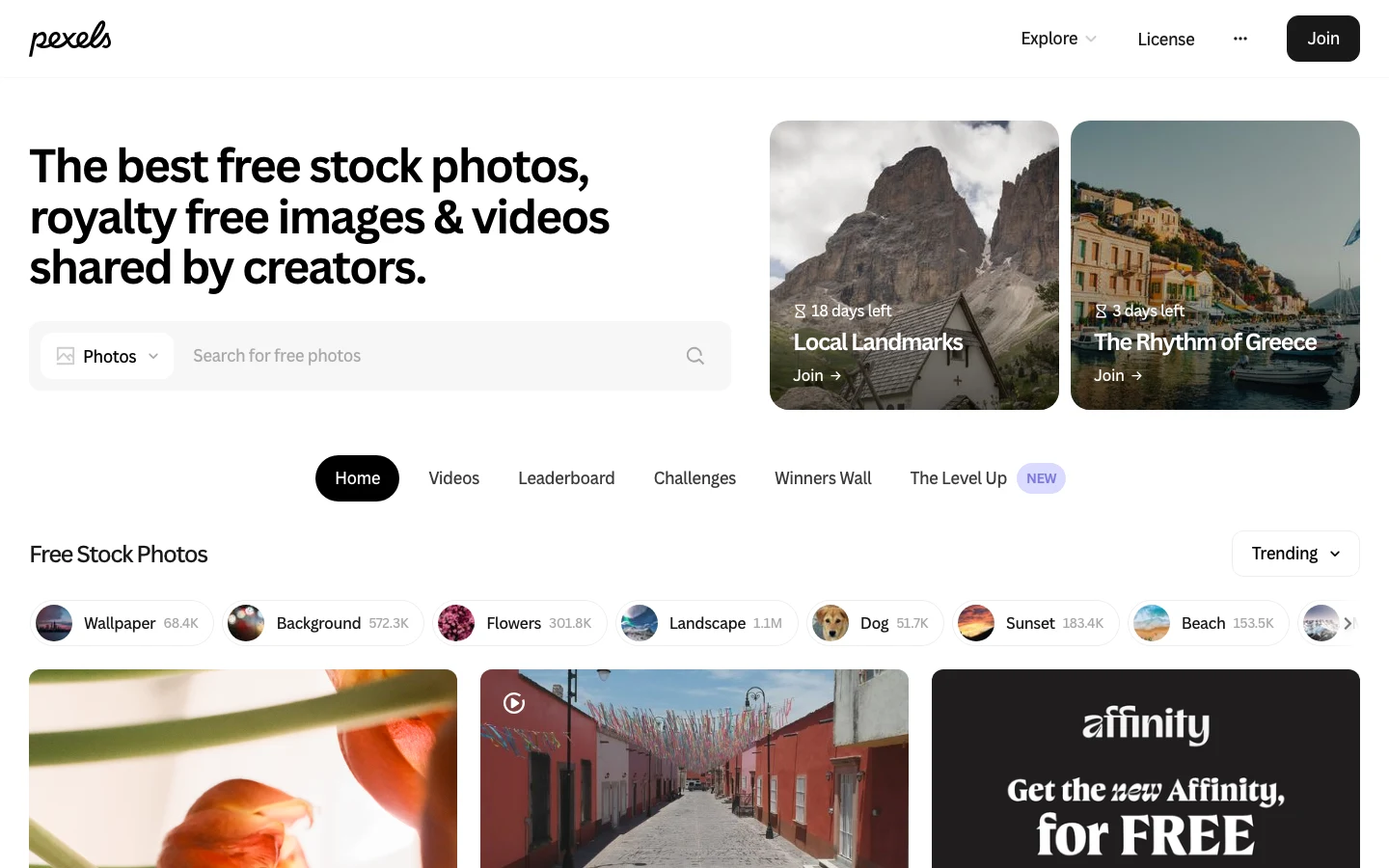
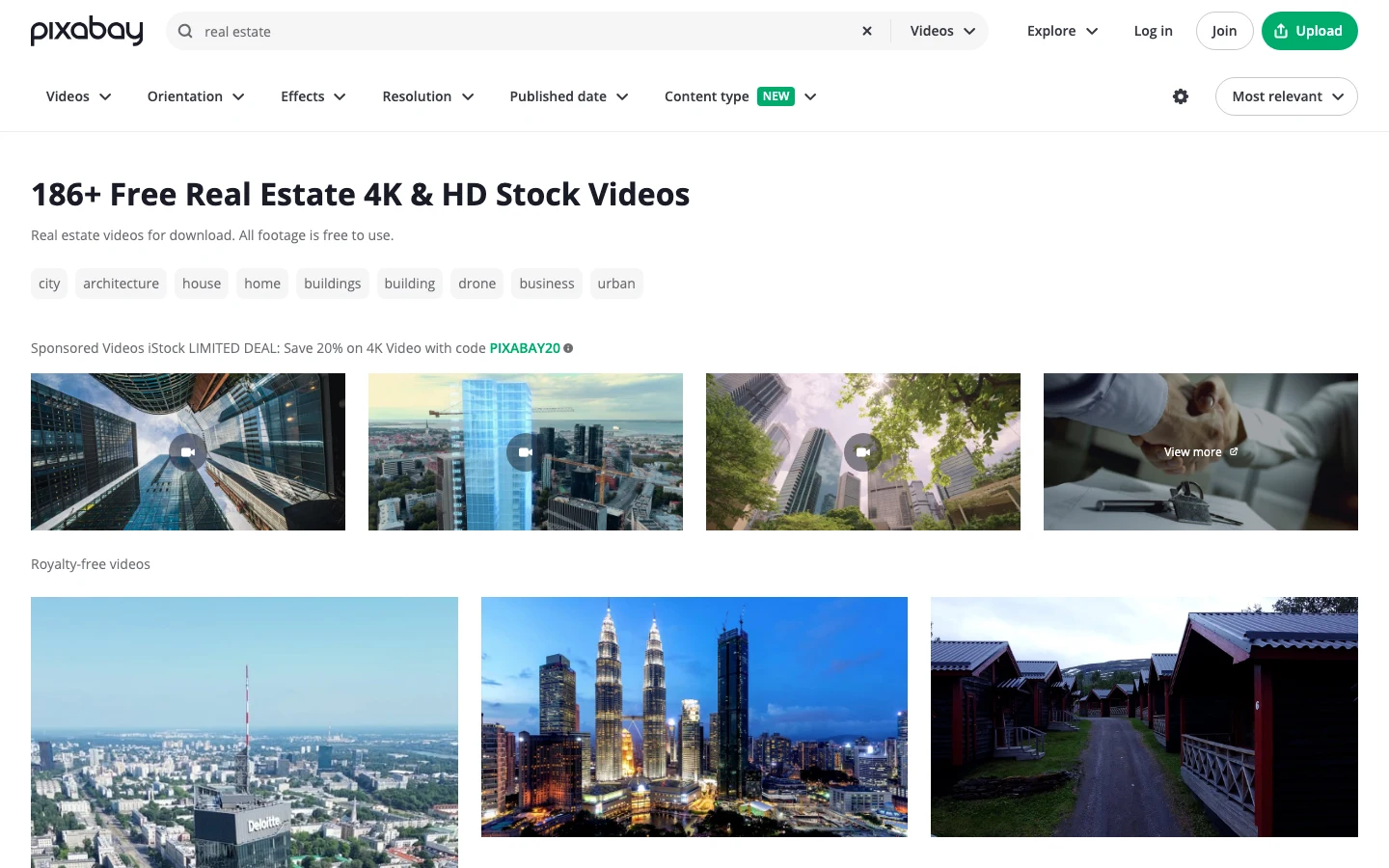
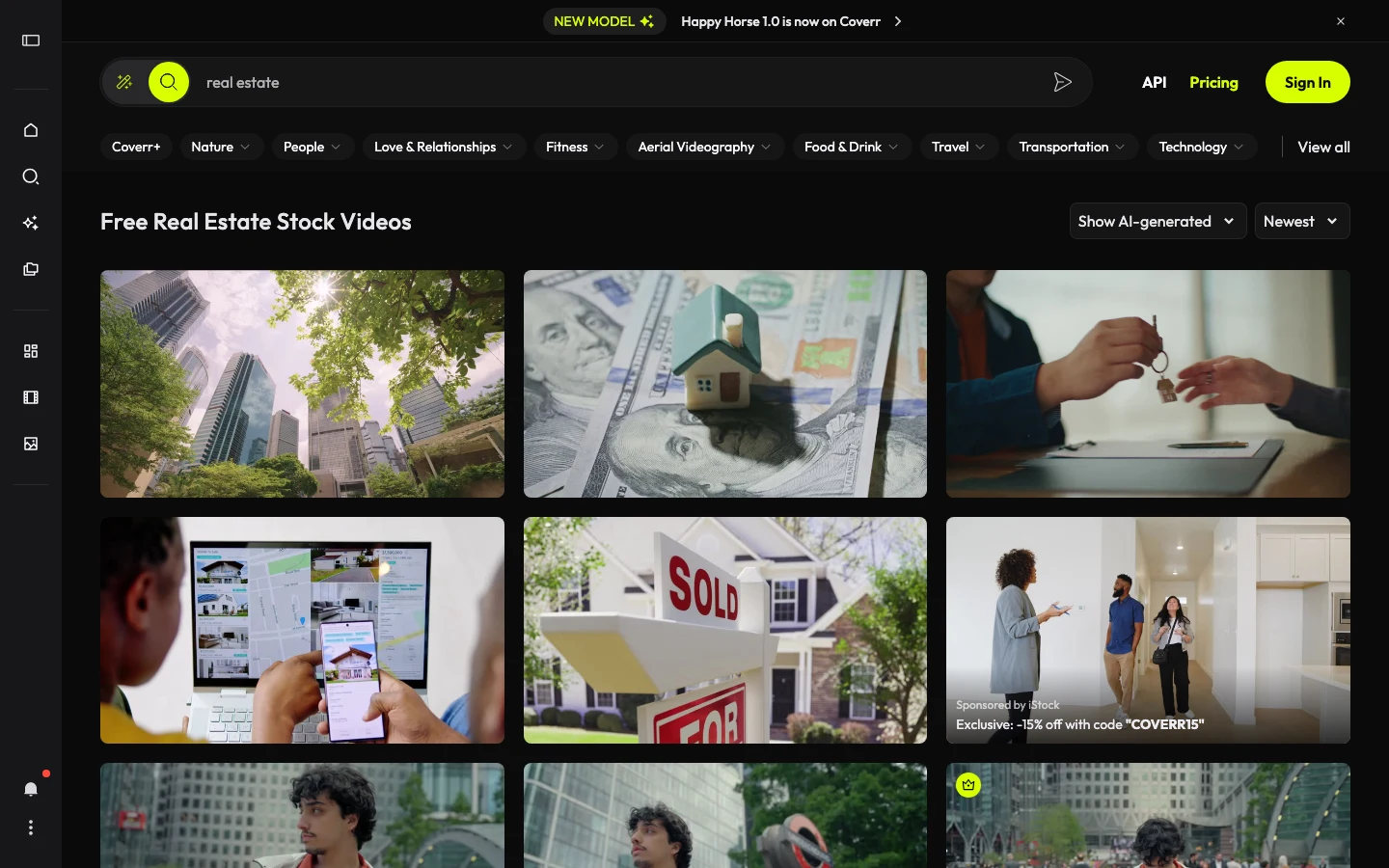
Pexels, Pixabay, and Coverr are three strong starting points for no-cost clips. Each uses a platform-specific royalty-free license that allows commercial use without attribution. These are not CC0 licenses: Pexels uses the Pexels License, Pixabay uses the Pixabay Content License (updated April 2023), and Coverr uses the Coverr License. All three permit commercial use but prohibit reselling clips as standalone files and do not include model or property releases. Vecteezy has a larger library on a no-cost tier (attribution required) and removes the restriction on a paid plan. Storyblocks and Envato Elements offer subscription libraries with thousands of property, lifestyle, and aerial clips for higher-volume production teams.
Use the table below to match your budget and production volume to the right source.
| Source | Cost | License | Best for |
|---|---|---|---|
| Pexels | No cost | Pexels License, no attribution | Interiors, lifestyle, quick fill |
| Pixabay | No cost | Pixabay Content License, no attribution | Exteriors, aerial-style, nature |
| Coverr | No cost | Coverr License, no attribution | Residential lifestyle feel |
| Vecteezy | No cost / Paid | No-cost tier: attribution required | Large volume, mixed styles |
| Storyblocks | Subscription (check current pricing) | Royalty-free, large clip library | Production teams, repeat editing |
| Envato Elements | Subscription (check current pricing) | Royalty-free, licensed per account | Premium, curated clips |
| Adobe Stock | Subscription (check current pricing) | Royalty-free | High-resolution, editorial |
Use 4K (3840x2160) clips wherever the source offers them. At 4K you have room to crop tight on a detail or stabilize a slightly misframed shot without visible quality loss. If storage or render time is a constraint, 1080p (1920x1080) is the minimum for a published listing video; anything below that will degrade further under platform compression.
License checklist for real estate stock clips
Before adding any clip to a listing video, check these five items.
- Confirm the current license on the clip’s own page. Platform terms and individual clip licenses can change; the license at time of publication is the one that counts.
- Check whether the clip includes recognizable people in a way that could imply endorsement of the listing or the agent. None of the platforms above provide model releases with their clips.
- Verify that visible architecture, signage, or landmarks could not be mistaken for the actual property being marketed.
- For paid subscriptions, confirm your account tier covers commercial use and whether there is a per-seat or per-project asset limit.
- Save the source URL, platform name, and license version for every clip you publish. If a clip is later disputed, that record is your documentation.
How to match stock footage to your listing
Match stock clips on three factors: resolution (4K or 1080p), tone (warm for residential, architectural for luxury or commercial), and geography (local aerials and street scenes that match the climate and style of the neighborhood).
Resolution. Use 4K clips when your edit timeline is 4K or when you plan to crop tight on a detail. Use 1080p clips when storage or render time is a concern. Avoid anything below 1080p for a published listing video, because platform compression will reduce quality further.
Tone. A residential listing video reads warmer, brighter, and more casual. A luxury or commercial listing reads cooler, slower, and more architectural. Pick stock clips that match the color temperature of your filmed footage, or correct the stock clip in editing to match the rest. Most royalty-free sources tag clips with descriptive keywords that include “warm,” “golden hour,” or “modern,” which makes filtering faster.
Geography. Search by neighborhood name, city, or architectural style. Aerial shots labeled for a recognizable city or region look more convincing than a generic “suburban house” clip. When no local aerials exist on a no-cost source, use exterior clips that match the climate and architectural vocabulary of the listing’s area: a craftsman neighborhood calls for tree-lined streets and covered porches, not glass towers or desert xeriscape.
A real estate video maker that auto-generates from listing photos sidesteps most stock-matching decisions, since the video renders from the actual property images. For edited productions, the real estate video editing guide covers how to blend stock and filmed footage in a timeline, including color-matching and pacing.
Avoid clips with visible overlay text, obvious green-screen interiors, or architecture that clearly mismatches the listing’s region. A mismatched clip signals to a buyer that the footage is generic, which undermines the credibility of the listing video. One well-matched cutaway reads as invisible; a mismatched one reads as lazy.
Search phrases for real estate stock video
Efficient clip retrieval starts with the right search terms. On Pexels, Pixabay, and Coverr, these phrases return the most usable residential property results.
- “house interior” or “home interior” for living room and kitchen cutaways
- “neighborhood aerial” or “suburban aerial” for establishing exterior shots
- “house exterior” combined with an architectural style (“craftsman,” “modern,” “ranch”) for style-matched facades
- “golden hour house” or “morning light interior” for lifestyle and mood shots
- “real estate” as a standalone term tends to surface agent-activity clips; add a room name or style modifier to narrow results
Filter by video resolution (4K first, then 1080p) and by clip length (5 to 15 seconds) to reduce scrolling. Save two or three candidates per slot so you have options when editing.
A 5-clip sequence for a listing video
A standard listing video uses five clip slots. This sequence works across most property types.
- Opening exterior. A front-approach or street-level shot matching the property style, 3 to 5 seconds. This establishes location before the interior footage begins.
- Main living space lifestyle shot. A wide, warm shot of a living or dining area, 2 to 3 seconds, that sets the interior mood.
- Detail cutaway. A close-up insert such as countertops, a window with light, or tile work, 2 seconds, to break up successive wide room shots.
- Outdoor or neighborhood shot. A backyard, patio, or street scene that matches the listing’s location, 3 seconds.
- Emotional close. A warm interior shot (morning light, fireplace, dining setup) or a golden-hour exterior, 3 to 4 seconds, that ends the video on a positive note.
Search for each slot separately using the phrases above. Pick the candidate that best matches your filmed footage in color temperature and architectural vocabulary, and discard the rest.
When to avoid stock footage in a listing video
Stock footage can misrepresent a listing when a buyer could mistake a stock clip for footage of the actual property. Avoid stock in these situations.
- A stock aerial that shows a different neighborhood layout, street pattern, or surrounding view than the actual listing. Buyers who visit and find the surroundings differ lose trust in the listing.
- Interior lifestyle shots in a style (industrial loft, Scandinavian minimal) that does not match the property’s actual interiors.
- Amenity shots (pool, gym, rooftop terrace) for a listing that does not include those amenities.
B-roll should contextualize and support the filmed footage, not substitute for it. If a lifestyle element is central to the listing’s value, film it on the day of the shoot.
PropFade as an alternative to stock sourcing
For listings where sourcing, licensing, and assembling stock clips takes longer than the shoot itself, PropFade’s real estate video maker offers a different path. Upload the listing photos and PropFade animates them into a finished video across three formats (9:16, 1:1, and 16:9), with voiceover, captions, and an optional talking-head avatar. The video is built from the actual property images rather than a combination of filmed footage and stock inserts, which removes the stock-matching and licensing steps entirely. The render takes about two minutes.
Create a listing video from your photos
Upload your photos and get a finished video back in about two minutes.
This path suits vacant listings, tight turnarounds, and multiple properties where per-listing stock research adds up.
The real estate video marketing guide maps each finished format to the right platform, and the how to make a real estate video guide walks the end-to-end process from planning through publishing.
Frequently asked questions
Pexels, Pixabay, and Coverr are the strongest starting points for no-cost clips: all three use platform-specific royalty-free licenses that allow commercial use without attribution. Vecteezy offers a larger no-cost library (attribution required on the no-cost tier) and a paid tier that removes the restriction. For subscription access to thousands of professional property and lifestyle clips, Storyblocks and Envato Elements are the main options.
Yes. Pexels, Pixabay, and Coverr all provide property and lifestyle clips at no cost under their respective platform royalty-free licenses, usable commercially without attribution. Always confirm the current license on each clip's individual page before publishing, since license terms can be updated by contributors or the platform.
Yes, as long as the clip's license permits commercial use. Clips from Pexels, Pixabay, and Coverr are licensed for commercial use under each platform's current terms. Clips from subscription libraries like Storyblocks and Envato Elements are licensed for commercial use under each subscriber agreement. Confirm the current license on each clip before publishing, and avoid clips that could misrepresent the property's actual features, location, or amenities.