
Real estate virtual tours give buyers a way to explore a property before scheduling a showing. Agents use them to qualify out-of-state buyers, reduce time spent on unqualified showings, and give listings a presence beyond the standard photo gallery.
This page explains how each of the three main tour formats works, walks through the gear and steps to create a 360 tour, and compares the leading platforms side by side. The last section covers the fastest path to a listing video tour when you already have your photos.
Virtual tour, 3D scan, and video tour: understanding each format
A 360 photo tour stitches panoramic images into a clickable walkthrough. A 3D scan adds a navigable 3D walkthrough and full dollhouse model, with measured floor plans available as a paid add-on. A video tour plays linearly, like a film, on any device without a plugin or special viewer app.
Each format has a distinct production requirement and buyer experience:
360 photo tour. A 360-degree camera (such as the Ricoh Theta Z1 or Insta360 X4) captures each room as a spherical image. The images upload to a hosting platform and become a navigable tour where buyers pan the view and tap hotspots to move between rooms. No special app is needed to view a hosted 360 tour on a desktop or mobile browser. The main cost variables are the camera (check current pricing from Ricoh and Insta360, as the market has become competitive) and a monthly hosting subscription.
3D scan tour. A LIDAR or structured-light scanner captures spatial data from each room. The core outputs on platforms like Matterport include a navigable 3D walkthrough and a dollhouse overhead view. A dimensionally accurate floor plan is available as a paid add-on and depends on the capture method and platform plan. Buyers can measure rooms inside the tour, which matters for buyers evaluating furniture placement or renovation scope. Professional 3D capture is priced by square footage; contact local real estate photographers who offer Matterport scanning services for current market rates.
Video tour. A filmed or photo-animated walkthrough video. It auto-plays on social media feeds, embeds on any listing page, and streams natively on every device. The buyer watches a curated sequence rather than navigating a spatial model, which tends to make video tours more shareable and better suited for social discovery. Standard video hosting handles distribution, with no specialized tour platform required.
| Format | How it works | Production requirement | Best fit |
|---|---|---|---|
| 360 photo tour | Buyers pan spherical room images and tap hotspots to move between spaces | 360-degree camera, tripod, hosting platform, and hotspot setup | Listings where interactive room-to-room navigation matters. |
| 3D scan tour | Buyers navigate a spatial model with a dollhouse view and optional measured floor plan | LIDAR or structured-light scanner, platform processing, and often a professional capture service | Luxury, large, or floor-plan-sensitive listings. |
| Video tour | Buyers watch a curated linear walkthrough that plays natively on every device | Filmed footage or a photo-animated video assembled from listing photos | Fast social promotion and listings where shareability matters. |
Choosing a format comes down to budget, turnaround time, and where the listing will be promoted. A luxury listing with a MLS floor-plan requirement benefits from a full 3D scan. A mid-market listing on a tight deadline fits a video tour built from the photos you already have.
How to create a 360 virtual tour for a listing
Capture each room with a 360-degree camera on a tripod at chest height, upload the images to a hosting platform, connect rooms with hotspot navigation, and embed the tour link in your MLS media fields and listing page.
The full workflow takes two to three hours the first time and gets faster with practice.
1. Choose and prepare the camera. Entry-level 360-degree cameras like the Ricoh Theta SC2 and Insta360 X3 work for most listings. The Ricoh Theta Z1 and Insta360 X4 produce higher-resolution output suited to luxury or larger properties. Check current manufacturer pricing before purchasing. Before the shoot, charge the camera, clear memory storage, and install the companion app.
2. Set the scene. Open every blind, turn on all interior lights (even during daytime), and clear clutter from each room. Diffuse natural light and uniform interior lighting reduce the harsh contrasts that 360 cameras exaggerate compared to a standard lens.
3. Capture each room. Place the tripod centered in the room at roughly chest height. For an average three-bedroom home, shoot six to ten positions: entry, living room, kitchen, dining area, each bedroom, primary bathroom, and at least one exterior view. Shoot each position twice, a safe take and a reposition for the best angle.
4. Upload and process. Most 360 cameras handle stitching in-camera or through the companion app. Upload the equirectangular image files to your chosen platform. Kuula, CloudPano, and Zillow 3D Home each accept standard 360 JPEG formats.
5. Add navigation and publish. Draw hotspots in the platform editor linking each room to the next. Add optional info tags for room dimensions or notable features. Add the tour URL to your MLS virtual-tour or media field, use an unbranded link if your MLS board requires one, embed the tour on your listing page with the platform embed code, and share the URL directly in buyer emails.
Good source photos make every listing format stronger. For tips on capturing rooms that look sharp in still and motion formats, see listing photography examples.
Best virtual tour tools for real estate agents: a side-by-side comparison
Matterport leads for 3D scans with floor plans and MLS support. Kuula and CloudPano suit 360 photo tours with flexible hosted embeds and branding options. Zillow 3D Home is Zillow’s native 3D tour option for listings on Zillow. A photo-to-video tool generates a video tour from listing photos without a camera.
| Tool | Tour type | Hardware needed | Key output | Best for |
|---|---|---|---|---|
| Matterport | 3D scan + floor plan | LIDAR or Pro2 camera | Navigable 3D walkthrough, dollhouse view, floor plan add-on | Luxury, large homes, MLS floor plan requirement |
| Kuula | 360 photo tour | 360-degree camera | Hosted 360 tour with VR support and custom branding | Branded tours, VR support, agent portfolio |
| CloudPano | 360 photo tour | 360-degree camera | 360 tour with lead-capture overlay and live guided walkthrough | Lead capture overlays, live guided walkthroughs |
| Zillow 3D Home | 360 photo tour | Matterport or compatible 360 camera | 360 tour displayed on the Zillow property page | Zillow-native 3D tour for listings published on Zillow |
| PropFade | Video tour | None, uses listing photos | 9:16, 1:1, and 16:9 video formats, auto voiceover, about 2 min render | Fast video tour, three export formats, no camera gear |
Matterport is the professional standard for 3D scanning in real estate. Its core outputs (3D walkthrough and dollhouse view) are accepted by most major MLS platforms and luxury listing portals. Schematic floor plans are available as a paid add-on per space. Hardware is available for purchase or rental, and a network of certified service providers offers capture-as-a-service for agents who prefer to outsource the shoot. See matterport.com for current subscription and hardware pricing.
Kuula hosts 360 photo tours with VR headset support, custom branding, and multi-tour storage at higher subscription tiers. Its analytics display per-tour visitor counts and average session time, which agents can use to document buyer engagement on a listing. Visit kuula.co for current plan pricing.
CloudPano is built specifically for real estate agents. Its lead-capture overlay places a contact form over the tour, and its live video overlay lets an agent join a remote buyer inside the tour for a real-time guided walkthrough. Pricing is per agent or team; visit cloudpano.com for current rates.
Zillow 3D Home integrates with Matterport cameras and accepts compatible 360-photo uploads. For listings active on Zillow, the tour appears directly on the property detail page and shows up in Zillow’s 3D Homes filter.
This photo-to-video path skips the camera requirement entirely. It takes the listing photos you already have, animates them with motion, adds voiceover and captions from the listing details, and renders three video formats from one project.
Make a listing video tour from photos: the PropFade path
PropFade animates 12 to 20 listing photos into a narrated video tour and exports a 9:16 Reel, a 1:1 feed post, and a 16:9 web embed in about two minutes.
This path fits several common scenarios: a listing with a fast-turn deadline, a vacant property between photo shoots, an out-of-town listing where scheduling a photographer adds a day to the timeline, or a batch of properties where per-listing scanning costs add up quickly.
The workflow is three steps. Upload your listing photos, confirm the property details (address, beds, baths, asking price), and export. The platform handles animation, voiceover, captions, and multi-format rendering in about two minutes.
Photo selection and order. Lead with the exterior front shot, then move through the home in the order a buyer would walk it: entry, main living areas, kitchen, primary bedroom and bath, secondary bedrooms, and outdoor space last. Include at least one wide-angle shot per room and avoid near-duplicate angles. Twelve photos is the minimum for a complete tour; eighteen to twenty gives PropFade enough variety to fill the three format cuts without visual repetition.
Review the listing details before you export. The voiceover uses the listing details you enter. Read them through before finalizing: verify the room count, confirm any highlighted features (updated kitchen, corner lot, covered patio), and remove anything you cannot verify from the source listing.
Which format to use where. The 9:16 cut is sized for Instagram Reels and TikTok. The 1:1 version works for Facebook and Instagram feed posts. The 16:9 version embeds on your listing page and uploads to YouTube. All three render from the same project in one export.
A video tour pairs naturally with a real estate flyer for direct mail and open-house handouts. A real estate flyer template puts a matching print layout together quickly using the same listing photos. If you want to refine captions or swap clips after the initial render, an AI real estate video editor handles those adjustments. For a complete listing presentation, a realtor listing presentation pulls photography, slides, and the video tour into a cohesive set.
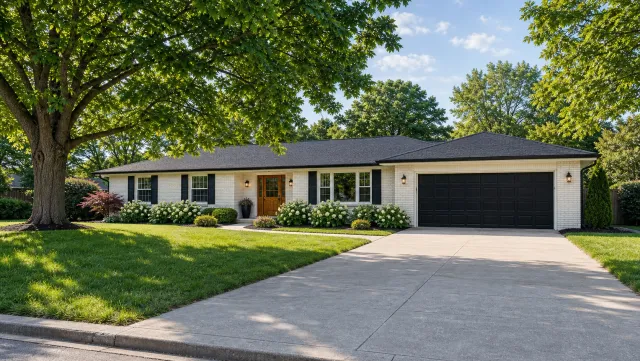
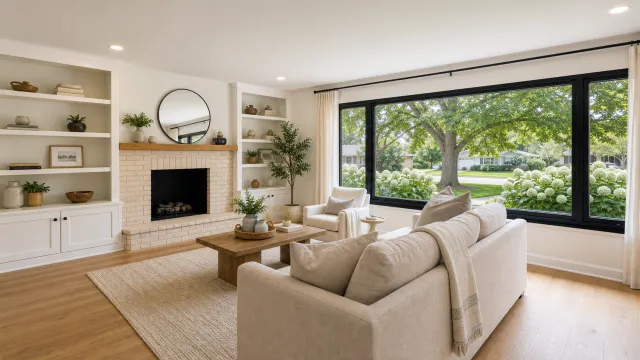
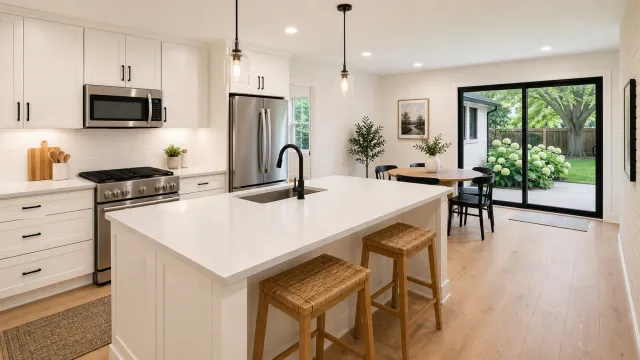
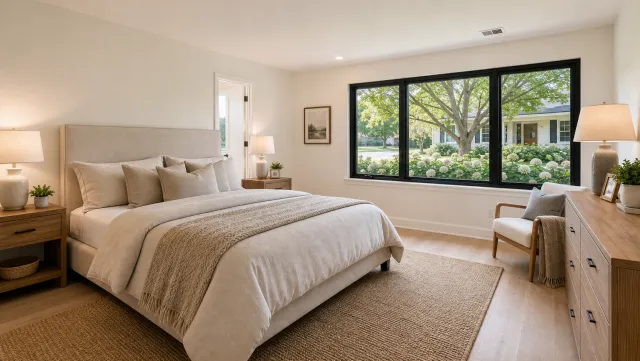
5 listing photos
1 finished video
Make a video tour
Upload your photos and get a finished video back in about two minutes.
Frequently asked questions
A real estate virtual tour is an interactive or video-based experience that lets buyers explore a property remotely before booking a showing. The three main formats are 360 photo tours (clickable panoramic images), 3D scan tours (a navigable spatial model with an optional floor plan add-on, produced by platforms like Matterport), and video tours (a linear walkthrough that plays on any device without a special app).
Capture each room with a 360-degree camera (such as a Ricoh Theta or Insta360) on a tripod at chest height with all lights on and blinds open. Upload the images to a platform like Kuula, CloudPano, or Zillow 3D Home, connect rooms with hotspot navigation, add the tour URL to your MLS virtual-tour field, embed on your listing page, and share the URL in buyer emails.
Costs depend on the format. A 360 photo tour requires a camera (check current pricing from Ricoh and Insta360) plus a monthly hosting subscription. A 3D scan with Matterport is typically handled by a local service provider; contact photographers in your market for per-property rates. A PropFade video tour uses your existing listing photos with no camera purchase required.
A virtual tour is interactive: the buyer clicks or taps to navigate rooms and control the viewing angle. A video tour is linear: the buyer watches a sequence of animated or filmed clips, like a short film. Video tours auto-play on social media and embed natively on any page without a special viewer app or hosting platform.